



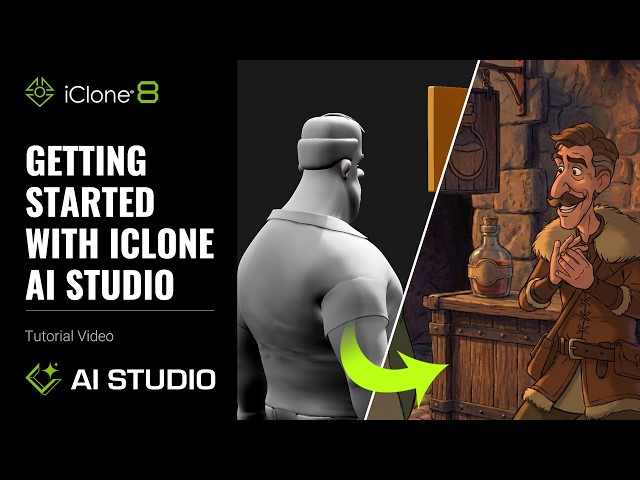
This tutorial teaches 3D artists how to leverage 3D-guided AI generation within iClone 8’s AI STUDIO to quickly render existing 3D projects and previs into diverse image and video styles. It solves challenges like maintaining character consistency and generating complex scenes, transforming your Character Creator 5 and iClone 8 workflows.
Get iClone 8, CC4 & Plugins:
https://shrsl.com/4n99y
⏱️ Video Chapters:
02:02 3D to Image
06:11 Advanced Prompt Usage 07:28 Control with Dummy Object
08:24 AI Actor for Character Consistence
09:16 3D to Video
13:39 Upscale Image & Video
*Note: Assets shown in this tutorial serve only as reference material.
🔑 Key Takeaways & Features:
- Utilize 3D-guided AI generation within AI STUDIO for rapid image and video styling from iClone 8 3D projects.
- Preserve consistent IP character identity across images and videos using the AI ACTOR feature, ensuring stable facial details.
- Render enhanced visuals with Flux2 Max for cinematic skin or Nano Banana Pro for detailed realism, offering distinct stylistic outputs.
- Generate high-quality video animations up to 10 seconds, with iClone 8 60 FPS projects converting automatically to 24 FPS for AI Studio export.
- Upscale generated images to a maximum resolution of 3840 pixels (4K), dramatically improving edge sharpness and detail.
- Employ specialized models like LXT2 Depth for advanced physics simulations and animated background characters, or Wan 2.2 for stable exaggerated camera movements.
- Leverage Seedance 2.0 to combine consistent camera, character motion, facial expressions, narration voiceovers, and complex multi-shot transitions.
❓ Frequently Asked Questions:
Q: How does iClone 8’s AI STUDIO leverage 3D-guided AI generation?
A: iClone 8 integrates AI STUDIO directly, allowing users to capture 3D viewport images or animations to drive AI generation, applying diverse styles and elements through prompts.
Q: How can I maintain consistent character identity in AI-generated images and videos?
A: Utilize the AI ACTOR feature in AI STUDIO to apply customized Character Creator 5 or iClone 8 3D characters to fixed camera views, generating a character sheet that ensures stable IP identity.
Q: What advanced AI models are available for video generation from 3D projects?
A: AI STUDIO offers models like Scail Uni 3C for static cameras, LXT2 Depth for physics and background animation, Wan 2.2 for dramatic camera moves, LTX 2.3 for preserving camera and character, and Seedance 2.0 for combined advanced features including narration.
💻 Software & Tools Used:
- iClone 8
- Character Creator 5
- AI Studio
- Flux2 Max
- Nano Banana Pro
- AI Actor
- LXT2 Depth
- Seedance 2.0
📝 Comprehensive Video Summary: This tutorial, “Getting Started with iClone 3D Project to AI Render,” demonstrates how to transform existing 3D projects into diverse image and video styles using iClone 8’s integrated AI STUDIO. It outlines a 3D-guided AI generation workflow, enabling users to capture viewport scenes and animations from iClone 8 to create AI-enhanced visuals. Key features covered include AI ACTOR for maintaining consistent character identity, advanced models like Flux2 Max and Nano Banana Pro for stylistic rendering, and specialized video generation models such as LXT2 Depth, Wan 2.2, LTX 2.3, and Seedance 2.0 for precise animation control. The video also details utilizing prompt presets for scene context and upscaling generated images to 4K resolution, empowering artists to achieve complex visual outcomes efficiently. (For the complete technical breakdown and software demonstration, please enable Closed Captions).
Leave a Reply
You must be logged in to post a comment.