





Get Full iClone 8, CC5 & Plugins bundle: https://shrsl.com/4n99y
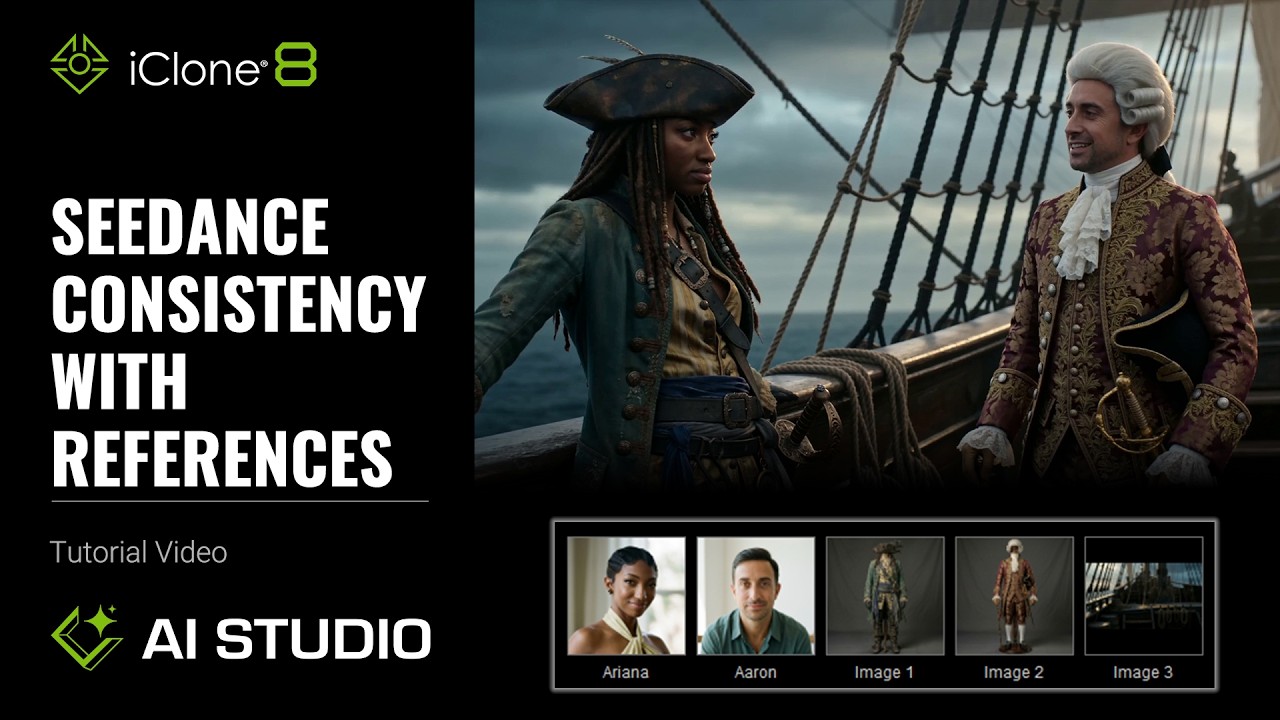
Master consistent AI-generated videos in AI Studio using the powerful Seedance 2.0 model, which now supports up to 10 diverse reference inputs (including images, videos, and voices). This tutorial shows 3D artists and animators how to combine AI Actors, voice references, and animated 3D scenes to maintain character identity, vocal consistency, and cinematic motion across every shot. Solve common AI consistency challenges and maximize creative control.
⏱️ Video Chapters:
00:00 Intro to Seedance 2.0 Consistency
00:30 3D Guided Generation with Reference
01:00 Direct Scenes with Normal Textured Characters
01:08 Camera Transitions for Video
03:52 Optimize with Gray Models
05:05 Maximize AI Creativity via Dummy Characters
07:44 Generate Video with AI Actor References
08:38 Control Character Consistency with References
09:03 Integrate Audio References for Lip Sync
10:31 Generate Video Entirely from References
10:52 Use Text-to-Voice for Audio References
13:00 Utilize Video as a Comprehensive Reference
🔑 Key Takeaways & Features:
Implement 3D Guided Generation with Reference (Gray Model) in iClone 8 to reduce AI reliance on detailed 3D materials, enabling greater AI interpretation while maintaining consistency.
Leverage Dummy Character references in AI Studio to maximize AI creative freedom, inferring natural physics effects and emotional expressions from motion data alone.
Control character consistency and transformations using AI actor references within the Start Frame with Image & Reference workflow, preventing AI hallucination.
Utilize the Video Create with Image & Reference feature, integrating multiple AI actors, image, audio, and Text to Voice references to construct complex, multi-shot narratives.
Combine video references with prompt descriptions in Seedance 2.0 to replicate camera movement, character motion, audio, and appearance for highly consistent AI video generation.
❓ Frequently Asked Questions:
Q: How can I maintain character consistency in AI-generated videos with AI Studio?
A: Maintain character consistency using Seedance 2.0 references, including 3D Guided Generation with Gray Models, Dummy characters, and AI actor references in Video Create.
Q: What is the benefit of using Gray Models or Dummy characters for AI video generation?
A: Gray Models reduce AI reliance on detailed 3D textures, while Dummy characters maximize AI creative freedom to generate natural physics and expressions from motion.
Q: Can I generate custom audio for characters in iClone 8 AI Studio?
A: Yes, utilize the built-in Text-to-Voice feature within AI Studio to quickly generate audio references for character dialogue and lip sync.
💻 Software & Tools Used:
iClone 8
AI Studio
Seedance 2.0
📝 Comprehensive Video Summary:
This official iClone 8 tutorial provides an expert guide to creating consistent AI-generated videos using Seedance 2.0 references within AI Studio. It systematically demonstrates foundational workflows, including 3D Guided Generation with Reference (Gray Model) and Dummy characters, which optimize AI interpretation and creative freedom by minimizing reliance on detailed 3D geometry. The video further explores enhancing realism through Start Frame with Image & Reference and Video Create with Image & Reference, incorporating AI actors, image, and audio references. Learn to leverage the built-in Text to Voice feature and utilize full video references to achieve unparalleled character appearance, voice, and camera movement consistency throughout complex AI-driven animations. (For the complete technical breakdown and software demonstration, please enable Closed Captions).
Leave a Reply
You must be logged in to post a comment.