





Title:
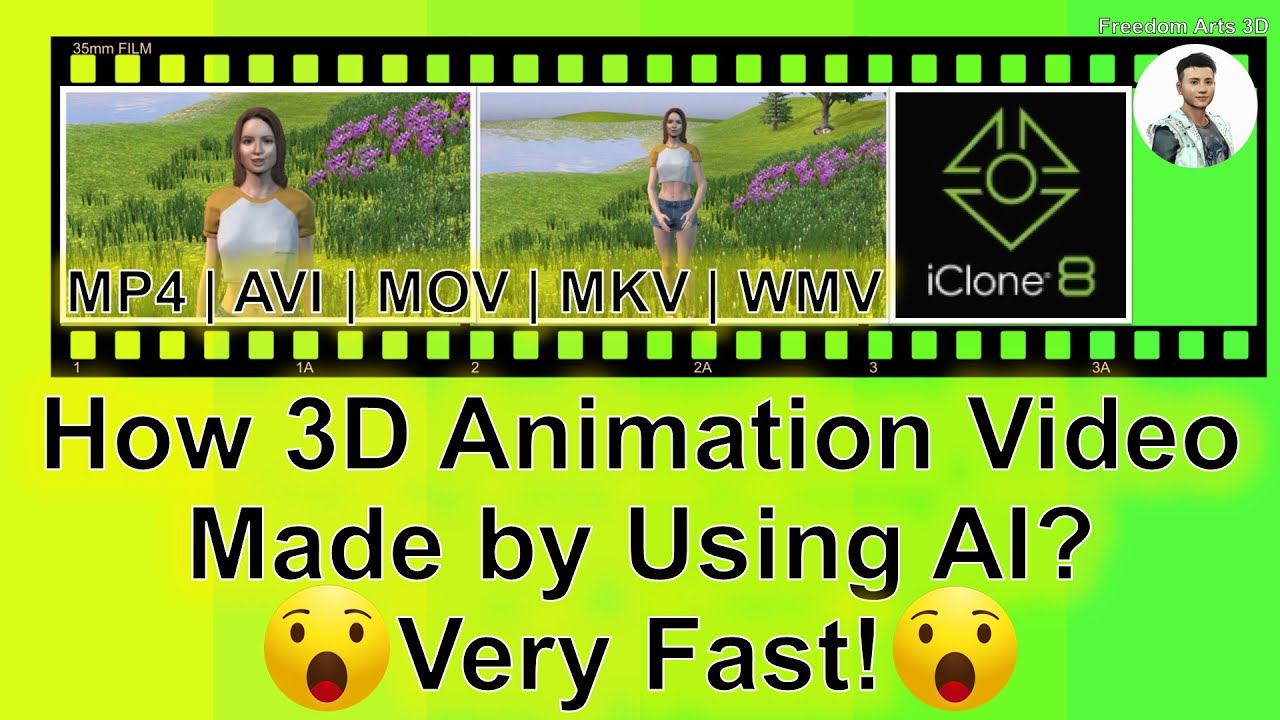
How 3D Animation Made by Using AI? iClone | Character Creator | Headshot | Lip Sync | Video MP4
Description:
Hey guys, how to make any 3D Animation in 10 minutes, by using AI. The artificial Intelligence will involving the combination of Picture to 3D Avatar (AI in 3D Modeling), Text to Voice Speech (AI in language & Voice), Voice Audio to Lip Sync Animation (AI in 3D Animation), in this tutorial, I have a complete demo on making a 3D Animation in 10 minutes, included 3D modeling, 3D scene design, 3D animation for avatar motion & lip sync talking animation, 3D rendering, finally you will get a Video MP4 3D animation! Quite easy done with some AI! Enjoy! and have fun! Happy 3D Modeling, 3D Animation + 3D Game Dev! ENJOY!
0:00 – 1:03 – Step 1: Create 3D Avatar (Picture to 3D Model) by using AI
Software: Character Creator 4 with Headshot Plugin (AI)
Get from my video description
1:03 – 1:50 – Step 2: Export 3D Avatar as iAvatar file
1:50 – 6:02 – Step 3: Create 3D Scene for your 3D Animation
eg. Sky, Terrain, Trees, Grasses, Building, Interior design, water.
Software: iClone 8 3D Animation (Get from Video Description)
6:02 – 7:33 – Step 4: Import 3D Avatar into Scene,
Create body motion
7:33 – 9:27 – Step 5: Create Voice by using AI
Software: any Text to Speech AI online app
9:27 – 10:36 – Step 6: Generate Voice Lip Sync Animation for 3D Avatar
(AI make it for you in iClone)
10:36 – 10:50 – Step 7: Save your 3D Animation Project
10:50 – 13:17 – Step 8: Generate another 3D Animation (Another Demo)
then save as another 3D Animation Project)
13:17 – 16:05 – Final Step: Render your 3D Animation as video file (MP4)
QUITE EASY DONE!!!
DOWNLOAD iClone 8
https://bit.ly/3mLztLb
DOWNLOAD Character Creator 4
https://bit.ly/41tfvEp
DOWNLOAD all iClone 8 and Character Creator 4 Software + Plugin + Contents
https://bit.ly/IC8CC4
GET Access for AI Text to Speech Online
https://speechelo.com/
Freedom Arts 3D Reallusion Marketplace Products for iClone:
https://marketplace.reallusion.com/iclone/author/Freedom%20Arts
Freedom Arts 3D Reallusion Marketplace Products for Character Creator (CC):
https://marketplace.reallusion.com/character-creator/author/Freedom%20Arts
DOWNLOAD Blender
https://bit.ly/DownloadBlenderFreedomArts
DOWNLOAD Unreal Engine 5
https://bit.ly/UnrealEngine5FreedomArts
DOWNLOAD all 3D Software:
https://freedom3d.art/download-all-3d-software/
VISIT MY WEBSITE TO GET MORE 3D RESOURCES:
https://freedom3d.art/
FREEDOM ARTS 3D: 3D MODELING, 3D ANIMATION, 3D GAME DEV TUTORIALS, 3D CONTENTS, 3D MODELS COLLECTION!
SUBSCRIBE MY YOUTUBE CHANNEL FOR MORE 3D TUTORIALS & SHARING:
Freedom Arts – 3D Animation & Game Developer
My Youtube Channel URL: https://www.youtube.com/@FreedomArts3D
CONTACT ME:
My email: [email protected]
Send me a Facebook Message: https://www.facebook.com/messages/t/108187640914514
Join my Facebook group: https://www.facebook.com/groups/818222008952458
SUPPORT MY 3D CONTENTS & TUTORIALS SHARING:
Donate through Gumroad
https://freedomarts3d.gumroad.com/l/donate
Donate through Patreon
https://www.patreon.com/freedom3Dart
#3DAnimation
#AIModeling
#AIAnimation
#TextToSpeech
#AudioToLipSync
#iclone
#LipSync
#Viseme
#Facial
#CGI
#3DModeling
#3DAnimation
#GameDev
#Tutorial
#FreedomArts
3D Animation,
AI Modeling,
AI Animation,
Text To Speech,
Audio To LipSync,
iclone,
Lip Sync,
Viseme,
Facial,
CGI,
3D Modeling,
3D Animation,
Game Dev,
Tutorial,
Freedom Arts,
source


Leave a Reply
You must be logged in to post a comment.