

Get iClone 8, CC4 & Plugins:
https://shrsl.com/4n99y
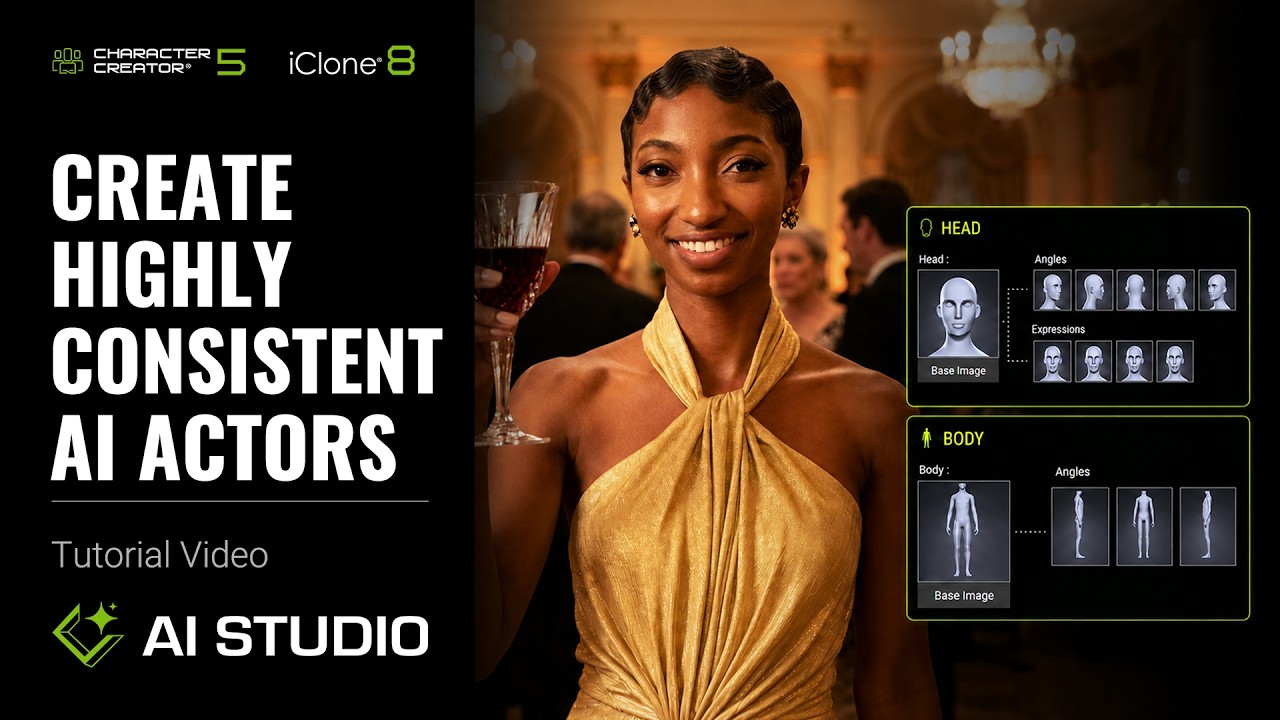
Learn the ultimate workflow to create consistent AI Actors in iClone 8 and AI Studio. This tutorial targets 3D artists and studios, solving character inconsistency across AI-generated images and video. Master character data preparation and styling using Create Actor.
⏱️ Video Chapters:
00:00 Intro
01:32 Create an AI Actor from 3D Workflow
06:34 Create an AI Actor from Character Creator Workflow
08:27 How to complete the AI Actor Sheet
13:52 Generate Images with Your AI Actor
16:42 Create an AI Actor from Custom Images
*Note: Assets shown in this tutorial serve only as reference material.
🔑 Key Takeaways & Features:
Build AI Actors from existing 3D characters in iClone 8 or Character Creator, including custom IP, ensuring stable appearance.
Prepare comprehensive character data, including head base, multi-angle heads, expressions, body base, and diverse body views.
Utilize precise camera adjustments in iClone 8’s Timeline (Ctrl+C/Ctrl+V) for consistent framing across 14 key frames.
Stylize AI Actor assets using Render Style and Nano Banana Pro, maintaining visual cohesion between head and body base images.
Define character identity with Actor Name and a descriptive Appearance Prompt, enabling consistent character variations like new outfits.
❓ Frequently Asked Questions:
Q: How does iClone 8 solve character consistency in AI generation?
A: iClone 8, in conjunction with AI Studio’s Create Actor, allows users to build stable AI Actors from 3D characters, maintaining consistent appearances across generated images and videos.
Q: What is the Create Actor feature in AI Studio?
A: Create Actor is a custom tool within AI Studio designed to help users define a character’s reference data, allowing AI to generate images and videos with a consistent character appearance.
Q: Can I use my own 3D characters or images to create AI Actors?
A: Yes, Create Actor supports converting existing iClone 8 or Character Creator 3D characters (including custom IP) into AI Actors, or importing custom images to build new AI Actors.
💻 Software & Tools Used:
iClone 8
AI Studio
Nano Banana Pro
Character Creator
📝 Comprehensive Video Summary:
This tutorial details the process to Create Highly Consistent AI Actors using iClone 8 and the AI Studio plugin’s innovative Create Actor feature. It addresses the common challenge of maintaining character appearance consistency across AI-generated images and video content. The workflow demonstrates how to prepare detailed 3D character data, including multi-angle head and body views, within iClone 8, then transfer this to the AI Actor Sheet. Users learn to stylize their AI Actors using Render Style, define identity with Actor Name and Appearance Prompt, and leverage features like Render Selected View and Render All Views. The video also covers creating AI Actors directly from custom images, empowering users to expand their IP with stable, coherent character representations. (For the complete technical breakdown and software demonstration, please enable Closed Captions).
Leave a Reply
You must be logged in to post a comment.