




Get iClone 8, CC4 & Plugins:
https://shrsl.com/4n99y
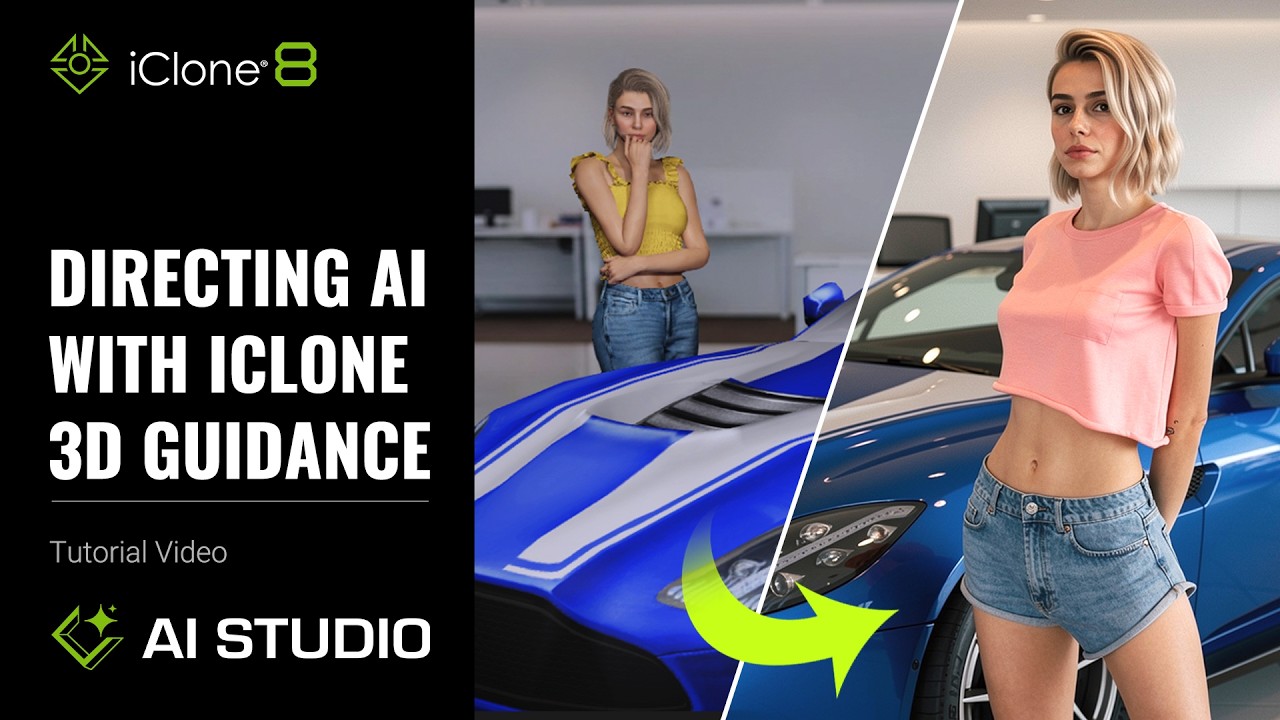
Learn to precisely direct AI image & video generation using 3D data in iClone 8 with AI Studio. This tutorial targets 3D artists and animators, solving the challenge of maintaining visual consistency and control in AI-driven creative workflows.
⏱️ Video Chapters:
01:33 AI for Static Visual Design
04:57 Background Control with HDRI
08:52 AI for Motion & Visualization
11:29 Camera Movement Editing
*Note: Assets shown in this tutorial serve only as reference material.
🔑 Key Takeaways & Features:
Direct AI generation using iClone 8’s 3D scene data for precise control over image and video outputs.
Leverage Flux2 Max and Nano Banana Pro AI models to achieve distinct cinematic (younger) or detailed realistic (older) character appearances.
Enhance facial consistency and detail with over 200 pre-trained AI Actors, preserving character identity across diverse poses and scenes.
Integrate HDRI environments and Image-Based Lighting settings to create consistent backgrounds and lighting conditions.
Animate complex character movements and facial expressions with iClone 8’s Edit Motion Layer and Face Key tools, then apply to Seedance 2.0 for consistent video generation.
❓ Frequently Asked Questions:
Q: How does iClone 8 maintain character consistency in AI-generated content?
A: iClone 8 achieves character consistency through its powerful motion-editing tools, Face Key, and the use of AI Actors trained with extensive character data.
Q: What AI models are available in AI Studio for image generation?
A: AI Studio offers models like Flux2 Max for cinematic, youthful appearances and Nano Banana Pro for detailed, realistic, older character aesthetics.
Q: Can iClone 8 control camera movements for AI video generation?
A: Yes, iClone 8 allows precise control over camera movements, including manual adjustments and preset cinematic techniques, ensuring consistency in AI-generated videos.
💻 Software & Tools Used:
iClone 8
AI Studio
Flux2 Max
Nano Banana Pro
Seedance 2.0
📝 Comprehensive Video Summary:
This video tutorial focuses on “Directing AI with iClone 3D Guidance,” demonstrating how iClone 8 leverages 3D data to achieve precise control over AI-generated images and videos. Viewers learn to arrange characters, motions, and props within iClone 8 and AI Studio to guide scene composition and background generation, ensuring strong character and visual consistency across diverse outputs. The tutorial showcases how to utilize 3D-guided AI generation with models like Flux2 Max and Nano Banana Pro for distinct visual styles. It also covers integrating HDRI environments with Image-Based Lighting, adjusting camera movements, and creating multi-shot sequences. The process emphasizes efficient character animation using iClone’s Edit Motion Layer and Face Key tools, ultimately enabling artists to rapidly generate complex scenes and narratives that are difficult to achieve with prompts alone. (For the complete technical breakdown and software demonstration, please enable Closed Captions).
Leave a Reply
You must be logged in to post a comment.