





Get iClone 8, Character Creator 4 (CC4) & all Plug-in
https://shrsl.com/4n99y
Download iClone & CC Software+Plugin+Contents:
https://freedom3d.net/
Download FREE 3D Models FBX OBJ:
https://freedom3d.org/
Get 3D Software Tutorial:
https://freedom3d.art/
– Title:
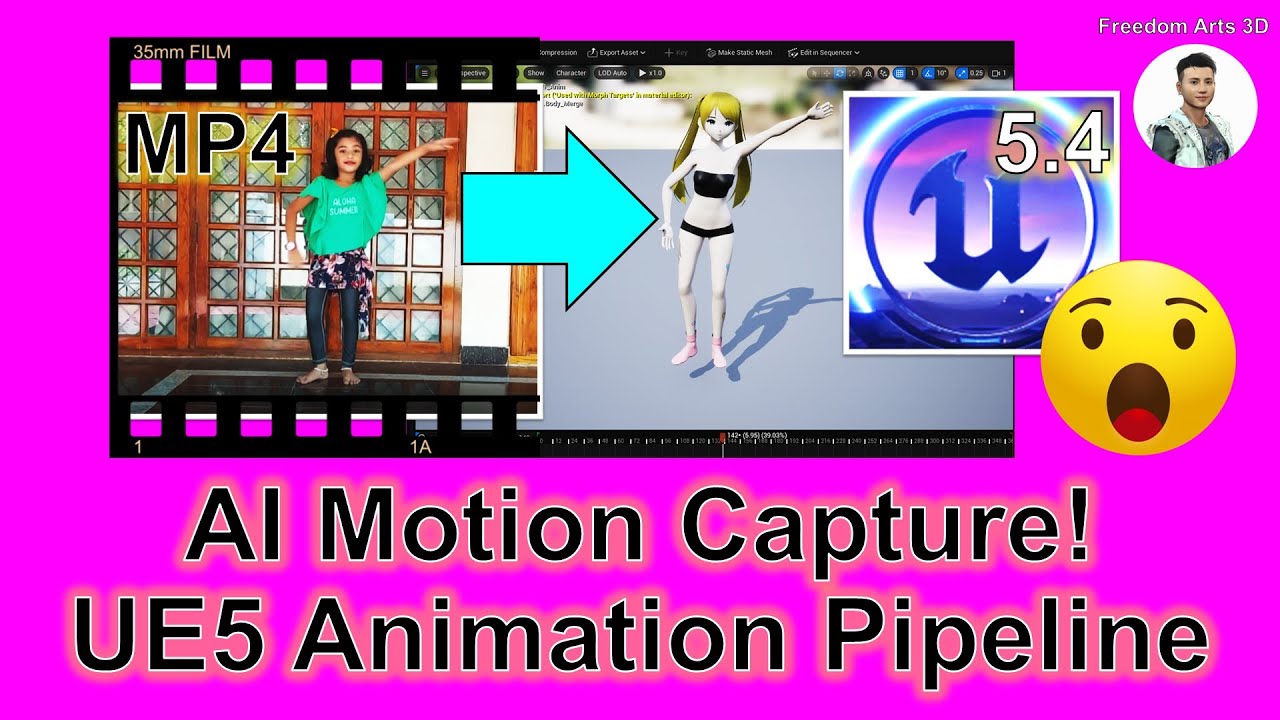
Video to Motion | AI Motion Capture for Unreal Engine 5 Game Avatar
Description:
Hey guys, how to perform AI motion capture for your Unreal Engine 5.4 3D Game Avatar? Video to Motion! First, export your game avatar as FBX, and everything can start by using ThreeDPoseTracker AI app, capture motion by using webcam or MP4, and import back into Unreal Engine 5 Game Project! This tutorials will show you the step-by-step! ENJOY! and have fun! Happy 3D Modeling, 3D Animation + 3D Game Dev! ENJOY!
DOWNLOAD ThreeDPoseTracker v0.6.2
https://gmstkuedutw-my.sharepoint.com/:u:/g/personal/401047245_gms_tku_edu_tw/EZKqywggqHhKkkL5iz65NSEBhgibr9LfhsBbriAnqHG0sA?e=WcOLms
DOWNLOAD Rokoko Plugin for Blender
https://support.rokoko.com/hc/en-us/articles/4410463492241-Install-the-Blender-plugin
DOWNLOAD Blender (any version, all version!):
https://bit.ly/DownloadBlenderFreedomArts
DOWNLOAD Unreal Engine 5
https://bit.ly/UnrealEngine5FreedomArts
DOWNLOAD iClone 7 & 3DXChange 7 Pipeline:
https://shrsl.com/4etrp
DOWNLOAD iClone 8
https://bit.ly/3mLztLb
DOWNLOAD Character Creator 4
https://bit.ly/41tfvEp
DOWNLOAD all iClone 8 and Character Creator 4 Software + Plugin + Contents
https://bit.ly/IC8CC4
Freedom Arts 3D Reallusion Marketplace Products for iClone:
https://marketplace.reallusion.com/iclone/author/Freedom%20Arts
Freedom Arts 3D Reallusion Marketplace Products for Character Creator (CC):
https://marketplace.reallusion.com/character-creator/author/Freedom%20Arts
DOWNLOAD all 3D Software:
https://freedom3d.art/download-all-3d-software/
VISIT MY WEBSITE TO GET MORE 3D RESOURCES:
https://freedom3d.art/
FREEDOM ARTS 3D: 3D MODELING, 3D ANIMATION, 3D GAME DEV TUTORIALS, 3D CONTENTS, 3D MODELS COLLECTION!
SUBSCRIBE MY YOUTUBE CHANNEL FOR MORE 3D TUTORIALS & SHARING:
Freedom Arts – 3D Animation & Game Developer
My Youtube Channel URL: https://www.youtube.com/@FreedomArts3D
CONTACT ME:
My email: [email protected]
Send me a Facebook Message: https://www.facebook.com/messages/t/108187640914514
Join my Facebook group: https://www.facebook.com/groups/818222008952458
SUPPORT MY 3D CONTENTS & TUTORIALS SHARING:
Donate through Gumroad
https://freedomarts3d.gumroad.com/l/donate
Donate through Patreon
https://www.patreon.com/freedom3Dart
#MotionCapture
#Mocap
#UnrealEngine
#VideoToMotion
#ThreeDPoseTracker
#VideoToAnimation
#CGI
#3DModeling
#3DAnimation
#GameDev
#Tutorial
#FreedomArts
Motion Capture,
Mocap,
Unreal Engine,
Video To Motion,
ThreeDPoseTracker,
TDPT,
Video To Animation,
CGI,
3D Modeling,
3D Animation,
Game Dev,
Tutorial,
Freedom Arts,
source

Leave a Reply
You must be logged in to post a comment.