





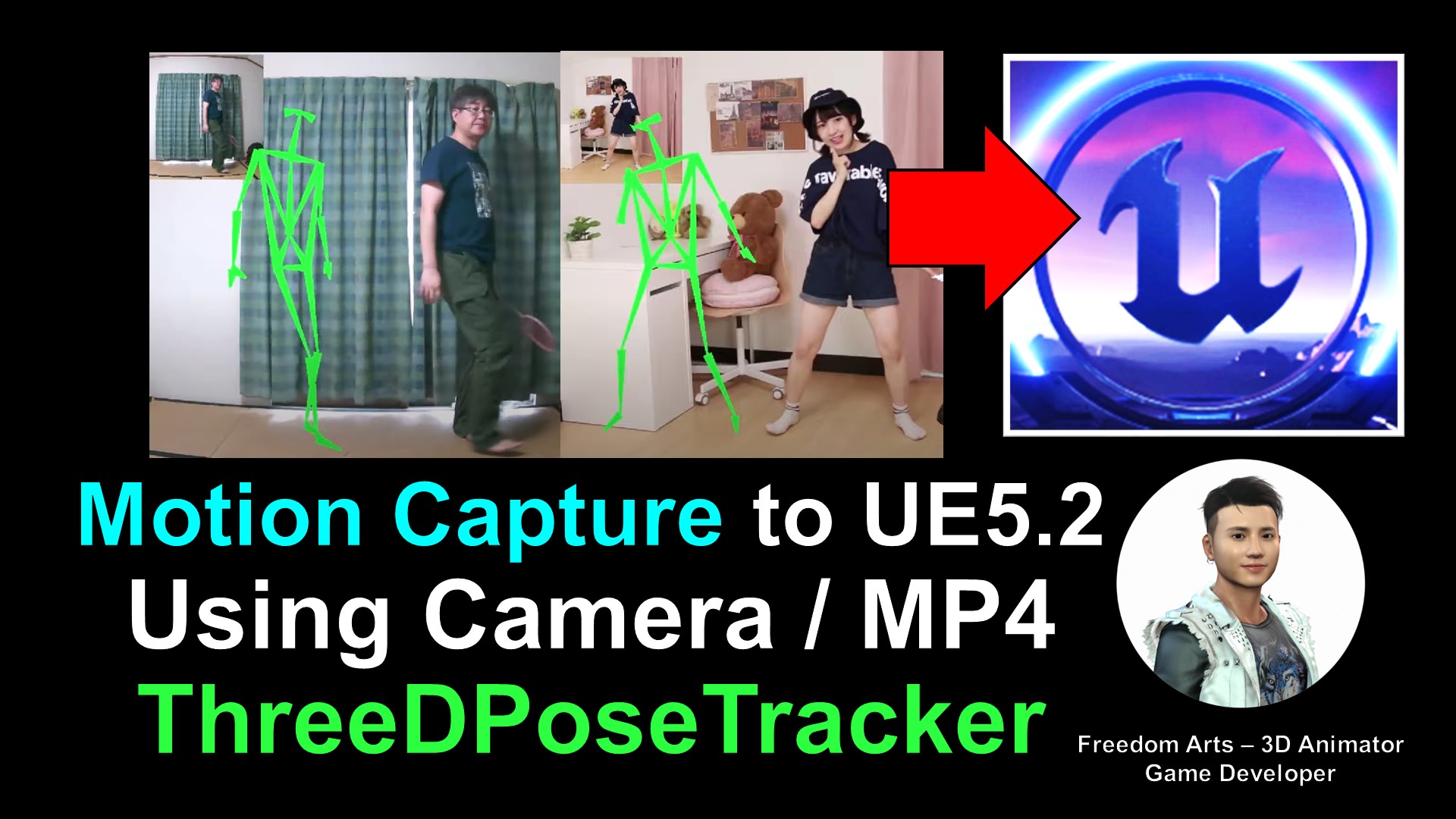
In this video tutorial, I will guide you through the process of converting iClone 8 Motion to Unreal Engine 5.2 and retargeting it on any other 3D avatar in your Unreal Engine 5.2 game project. With the advanced features of Freedom Animation Pipeline V8.5 Plugin, you can now easily export FBX with Motion from iClone 8 using Camila Avatar in iClone 8, and import the FBX into Unreal Engine 5.2. Freedom Animation Pipeline V8.5 Plugin will automatically convert it to an animation sequence, making it ready to retarget on any 3D Avatar in your Unreal Engine 5.2 game project. Follow my step-by-step tutorial and learn how to do this easily. Don’t forget to subscribe to my channel and hit the notification bell so you won’t miss any of my new videos. Happy 3D Modeling, 3D Animation, and 3D Game Development! Enjoy!
Full Tutorial is here:
Below are the tutorials with separated parts:
Step 1: ThreeDPoseTracker Mocap to iClone 8
make the motion capture to be a rlMotion format. Check this tutorial:
Download ThreeDPoseTracker (Official):
https://digital-standard.booth.pm/items/3698596
Download ThreeDPoseTracker (Alternative):
https://freedomarts3d.gumroad.com/l/bkynl
Download ThreeDPoseTracker BVH Importer for iC8.iAvatar (for iCone 8):
https://freedomarts3d.gumroad.com/l/bkynl
Get iClone 8
https://bit.ly/3ic3Qpq
Step 2: How to Convert iClone 8 Motion to Unreal Engine 5.2 and Retarget on Any 3D Avatar – Tutorial
Once you get your rlMotion (iClone Motion File), this is another tutorial on how to import iClone Motion File into Unreal Engine 5.2, to make it become an animation sequence and retarget on any other imported FBX 3D humanoid avatar in Unreal Engine 5.2 game project.
This is the tutorial:
Get Freedom Animation Pipeline V8.5 Plugin for UE5.2:
https://freedom3d.art/2023/04/20/freedom-animation-pipeline-for-unreal-engine/
Get iClone 8 3D Animation Sofware:
https://freedom3d.art/2023/04/16/iclone-latest-version/
Get Unreal Engine:
https://freedom3d.art/2023/04/19/unreal-engine-5-latest-version/
Here are the steps to convert iClone 8 motion to Unreal Engine 5.2 animation sequence and retarget it on any other 3D avatar in your game project:
- Apply Camila.ccAvatar to iClone 8 and an iMotion / rlMotion to Camila.
- Export the FBX file, selecting the Unreal Engine format.
- Install the Freedom Animation Pipeline V8.5 Plugin in your Unreal Engine 5.2 project.
- Import the FBX file into Unreal Engine 5.2 as a skeletal mesh, choosing the iClone 8 Skeleton option in the skeleton import settings.
- Deselect the import mesh option and select “import animation as animated time”.
- Click import to import the file as an animation sequence.
- In the Freedom Animation Pipeline V8.5 Plugin, you will see the IK_Rig and IK_Retargetor options. Now you can retarget the motion to any other 3D humanoid avatar in your Unreal Engine 5.2 game project using the iClone 8 IK_Rig and IK_Retargetor.
By following these steps, you can easily convert your iClone 8 motion to Unreal Engine 5.2 animation sequence and retarget it on any other 3D avatar in your game project.
Additional Tutorials related to import FBX humanoid 3D avatar into Unreal Engine:
How to retarget any imported third party FBX 3D Avatar then make it become the Player / Main Avatar / NPC in your Unreal Engine game project? These are the tutorials.
If you really want your 3D avatar to have root motion and root bone, this tutorial will show you how to make it.
Leave a Reply
You must be logged in to post a comment.