





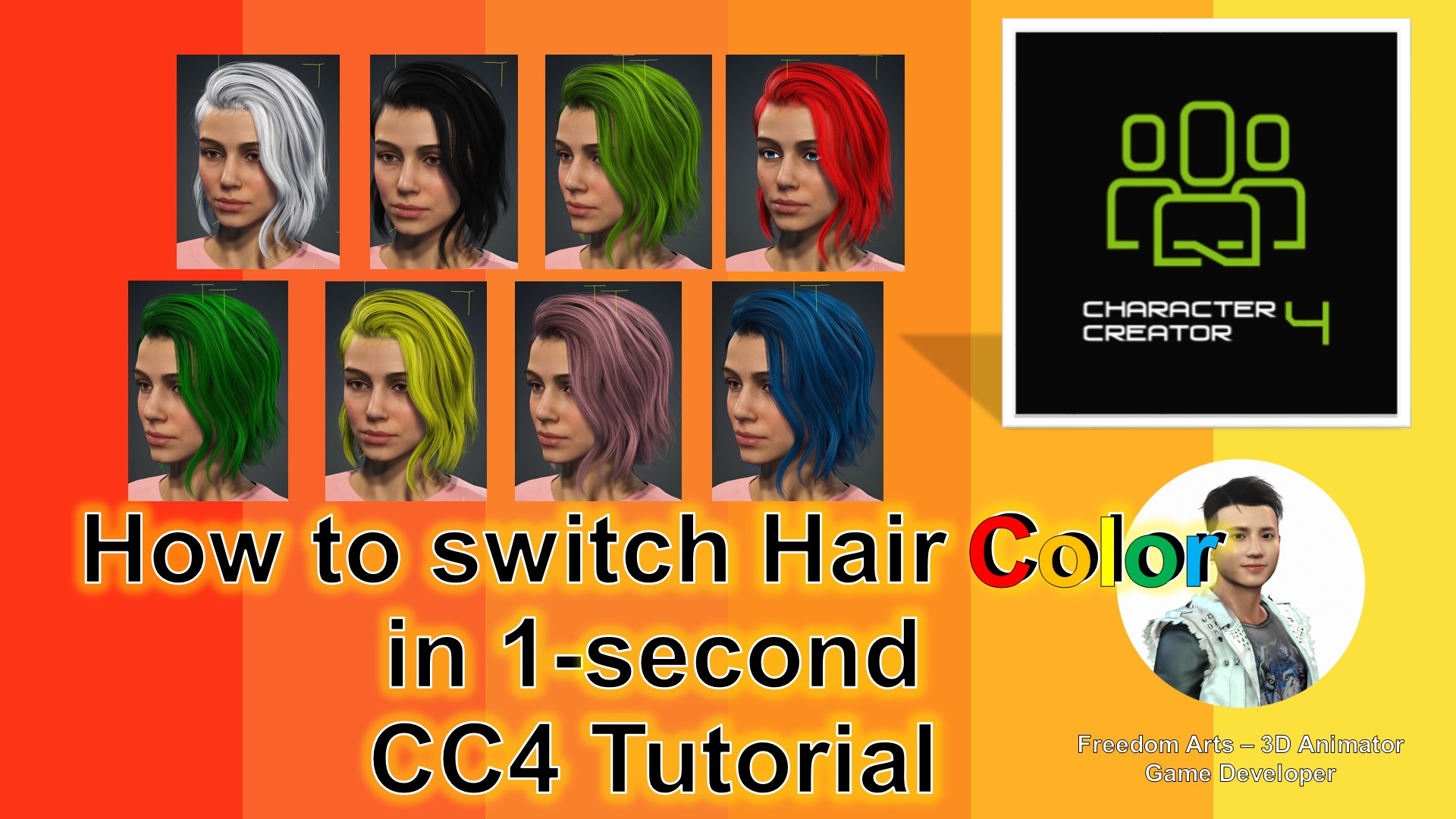
When diving into the world of 3D modeling and animation, details like hair color in character design can have a substantial impact. And if you’re using Character Creator 4 (CC4), you’ve got the flexibility to alter and customize hair colors to any hue, even including extremes like black and white.
In this guide, accompanied by a video tutorial, we’ll take you through a step-by-step process to change hair colors in CC4 seamlessly. Whether you’re a novice or a seasoned 3D artist, this tutorial has something for everyone.
Why Hair Color Matters in 3D Modeling
Hair isn’t just a visual element; it’s a significant aspect of a character’s identity. A change in hair color can transform the entire mood, persona, and narrative surrounding a character. This flexibility can be instrumental in game development, animation, and other 3D projects.
Unlock More with Character Creator 4
While hair color is one facet, CC4 offers an array of features for character design. From body modifications to outfit selections, the software is a powerhouse for 3D artists. Explore its full potential here.
Wrapping Up
Mastering hair color changes in CC4 can be your first step into more intricate character design alterations. As the 3D world continues to evolve, tools like Character Creator 4 ensure artists remain at the forefront of design capabilities.
For a deeper dive into 3D modeling, animation, game development, and more, explore Freedom Arts 3D. We provide tutorials, resources, and a community for 3D enthusiasts to learn, share, and grow.
Tags: Character Creator 4, CC4, 3D Modeling, Hair Color Change, 3D Animation, Freedom Arts 3D, 3D Game Development, 3D Software, iClone 8
Leave a Reply
You must be logged in to post a comment.