





Title:
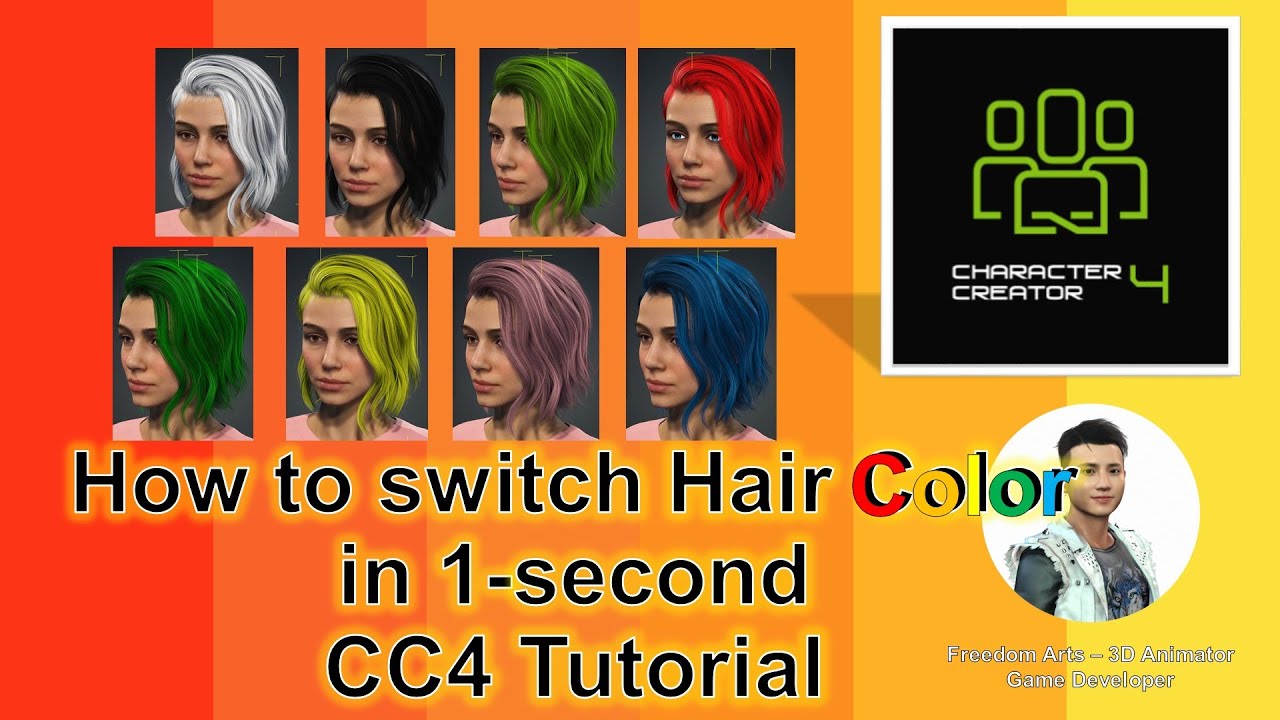
How to Change Hair Color in Character Creator 4 – Step by Step Guide
Description:
Hey guys, how to change Character Creator 4 (CC4) hair color to any color you want, icluded black and white? This is my step-by-step tutorial on how to do this! ENJOY! and have fun! Happy 3D Modeling, 3D Animation & 3D Game Dev! ENJOY!
DOWNLOAD Character Creator 4
https://bit.ly/41tfvEp
DOWNLOAD all iClone 8 and Character Creator 4 Software + Plugin + Contents
https://bit.ly/IC8CC4
DOWNLOAD all 3D Software:
https://freedom3d.art/download-all-3d-software/
VISIT MY WEBSITE TO GET MORE 3D RESOURCES:
https://freedom3d.art/
FREEDOM ARTS 3D: 3D MODELING, 3D ANIMATION, 3D GAME DEV TUTORIALS, 3D CONTENTS, 3D MODELS COLLECTION!
SUBSCRIBE MY YOUTUBE CHANNEL FOR MORE 3D TUTORIALS & SHARING:
Freedom Arts – 3D Animation & Game Developer
My Youtube Channel URL: https://www.youtube.com/@FreedomArts3D
CONTACT ME:
My email: [email protected]
Send me a Facebook Message: https://www.facebook.com/messages/t/108187640914514
Join my Facebook group: https://www.facebook.com/groups/818222008952458
SUPPORT MY 3D CONTENTS & TUTORIALS SHARING:
Donate through Gumroad
https://freedomarts3d.gumroad.com/l/donate
Donate through Patreon
https://www.patreon.com/freedom3Dart
Tags:
Character Creator 4, CC4, Hair Color Tutorial, 3D Modeling, 3D Animation, 3D Game Development, iClone 8, 3D Software, Freedom Arts, 3D Animation Tutorial, Hair Color Change, 3D Game Dev Tutorial, Character Design, CC4 Hair, Digital Art, 3D Art, 3D Models, 3D Content Creation, Freedom Arts 3D, Character Creator Tutorial, 3D Character Design, CC4 Tutorial
Hashtags:
#CharacterCreator4 #CC4 #HairColorChange #3DModeling #3DAnimation #3DGameDev #iClone8 #3DSoftware #FreedomArts #CharacterDesign #DigitalArt #3DContentCreation #FreedomArts3D #CC4Tutorial
How to Change Hair Color in Character Creator 4 – Step by Step Guide
In this tutorial, I’ll guide you through the process of changing hair colors in Character Creator 4 (CC4), covering every shade including black and white. Dive into this detailed walkthrough and master the art of 3D hair color modifications with CC4.
🔗 Download Character Creator 4: https://bit.ly/41tfvEp
🔗 Get the Complete iClone 8 & Character Creator 4 Suite (Software, Plugins, Contents): https://bit.ly/IC8CC4
🔗 Browse All 3D Software Tools: https://freedom3d.art/download-all-3d-software/
Explore More with Freedom Arts 3D:
🌐 Official Website (3D Resources & More): https://freedom3d.art/
Freedom Arts 3D specializes in 3D modeling, 3D animation, game development tutorials, unique 3D content, and an extensive collection of 3D models.
🔔 Subscribe for More 3D Tutorials & Content: Freedom Arts – 3D Animation & Game Developer
Connect with Me:
✉️ Email: [email protected]
📲 Facebook Message: https://www.facebook.com/messages/t/108187640914514
👥 Join our Facebook Group: https://www.facebook.com/groups/818222008952458
Support Our 3D Content & Tutorials:
💰 Donate via Gumroad: https://freedomarts3d.gumroad.com/l/donate
💰 Become a Patron on Patreon: https://www.patreon.com/freedom3Dart
source


Leave a Reply
You must be logged in to post a comment.