





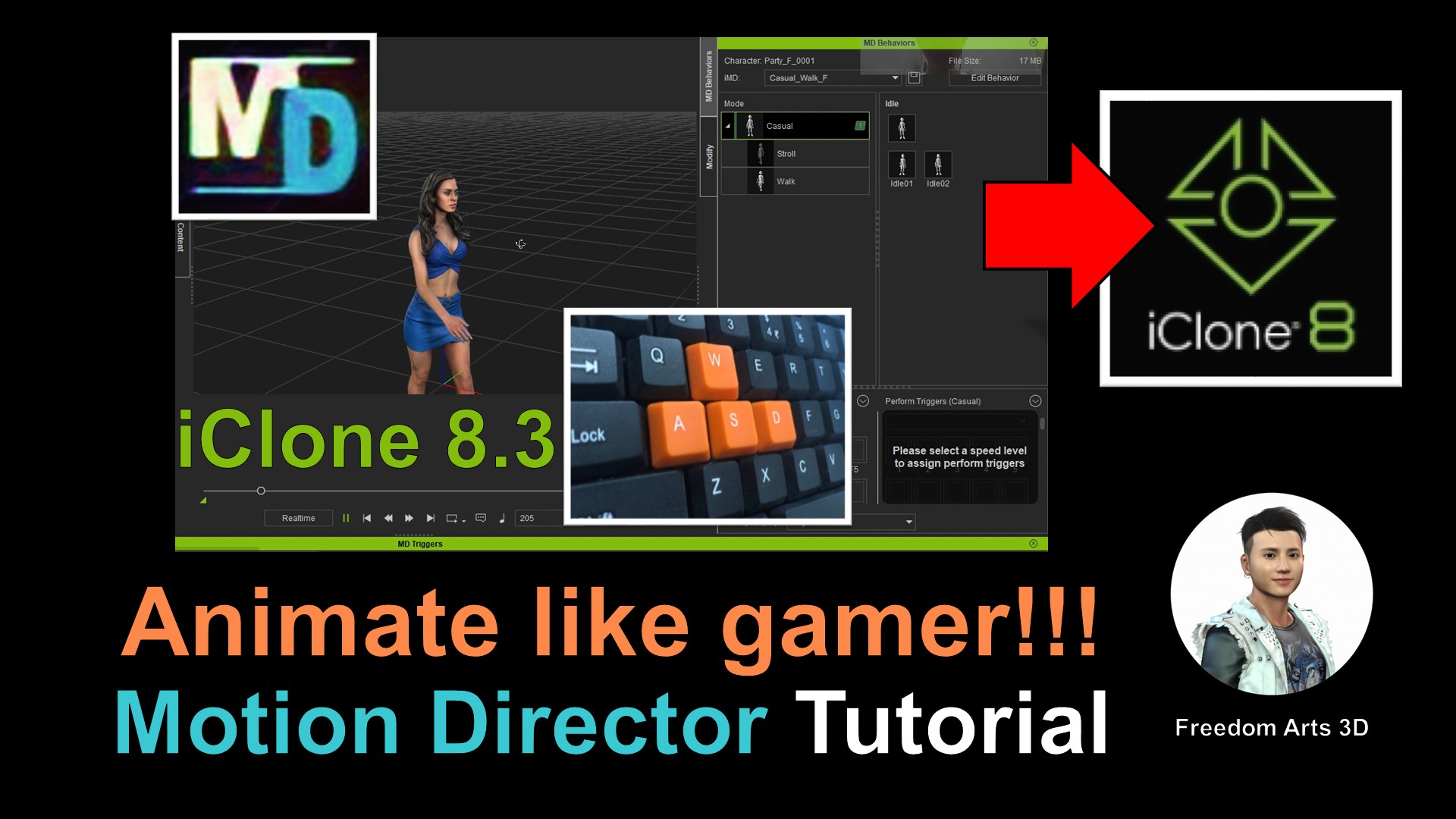
Have you ever imagined breathing life into your 3D Avatars just like a seasoned gamer? Today, we’re going to delve into the fascinating world of 3D animation using the state-of-the-art iClone 8.3 software. We’ll explore the innovative Motion Director feature and learn how you can utilize ASWD keyboard controls to animate your 3D models.
Master 3D Avatar Animation with iClone 8.3
iClone 8.3, a leading 3D animation software, has taken the animation world by storm, offering unparalleled features for 3D modeling, animation, and game development. One such feature is the Motion Director, which lets you animate your 3D avatars using ASWD keyboard controls.
In this comprehensive tutorial, we take you step-by-step through the process, helping you master the art of 3D avatar animation like a pro-gamer. The tutorial focuses on essential skills, allowing you to understand the basics and gradually build your proficiency.
Whether you are an aspiring 3D animator or a professional game developer, the Motion Director feature of iClone 8.3 is a game-changer. It introduces a unique method of controlling avatar movements, paving the way for more interactive and immersive animation experiences.
Download iClone 8.3 and Character Creator 4
To get started, you’ll need to download the iClone 8.3 software and the Character Creator 4. You can find the download links below:
- iClone 8.3 Download
- Character Creator 4 Download
- Complete iClone 8 and Character Creator 4 Software + Plugin + Contents
These tools together provide a comprehensive suite for 3D modeling, animation, and game development, allowing you to create and animate 3D avatars with relative ease.
Connect with Freedom Arts 3D
At Freedom Arts 3D, we’re passionate about sharing knowledge and helping aspiring animators and game developers excel in their craft. Be sure to subscribe to our YouTube Channel for more 3D tutorials and exclusive content.
We’d love to hear from you, whether it’s a query, feedback, or just a hello. Connect with us on our official site, send us a Facebook Message, or join our Facebook group.
Support Us
Your support goes a long way in helping us create more valuable content. If you’d like to contribute, please consider donating through Gumroad or Patreon.
Dive into the exciting world of 3D avatar animation with us! Stay tuned for more such engaging tutorials and enhance your skills in 3D modeling, animation, and game development.
Leave a Reply
You must be logged in to post a comment.