





• Search Keywords

  • Tutorial Type


  • Software


  • 3D Skill


🚀 Speed Up Your 3D Workflow

💡 Used in my tutorials
💡 Tools I personally use

Stop wasting time switching tools.
Use the exact tools from my tutorials.

Freedom Animation Pipeline 9.1 (UE5.7)
Fastest way: Any 3D → Unreal Engine
Get the Plugin

Character Creator 5 (CC5)
Create pro-level characters in minutes
Download / Buy

iClone 8 Animation Software
Real-time animation made easy
Download / Buy

Meshy AI (Image → 3D)
Turn any image into a 3D model instantly
Try Now!

Tripo AI (Image → 3D)
Powerful AI 3D generator
Try Now!

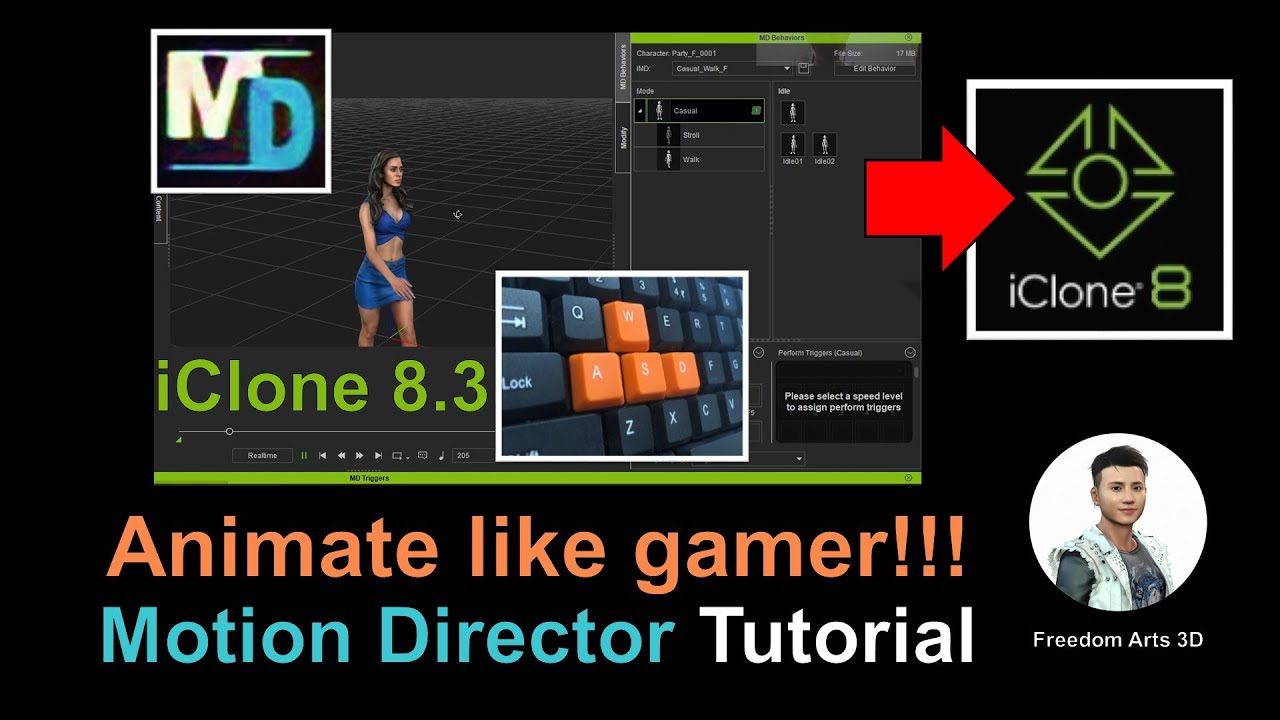
Mastering ‘Motion Director’ in iClone 8.3: Animate 3D Avatars Like a Gamer

Tutorial Type:
Software:
Skill:


Title:
Mastering ‘Motion Director’ in iClone 8.3: Animate 3D Avatars Like a Gamer

Description:
In this latest tutorial video, I’ll show you how to bring any 3D avatar to life using the ASWD keyboard keys, just like a gamer, with the iClone 8.3 3D animation software. Explore the dynamic Motion Director feature in iClone 8.3 as I guide you step-by-step to master this skill! Dive in and immerse yourself in the world of 3D modeling, 3D animation, and game development. #iClone8 #3DAnimation #MotionDirector

Don’t forget to subscribe to the Freedom Arts – 3D Animation & Game Developer channel for more 3D tutorials and exclusive content!

👉Download links:
– iClone 8: https://bit.ly/3mLztLb
– Character Creator 4: https://bit.ly/41tfvEp
– Complete iClone 8 and Character Creator 4 Software + Plugin + Contents: https://bit.ly/IC8CC4

Connect with us:
– Official Site: https://freedom3d.art/
– Facebook Message: https://www.facebook.com/messages/t/108187640914514
– Facebook group: https://www.facebook.com/groups/818222008952458

Support us:
– Donate through Gumroad: https://freedomarts3d.gumroad.com/l/donate
– Donate through Patreon: https://www.patreon.com/freedom3Dart

#CharacterCreator4 #3DTutorial #GameDevelopment #3DModeling #AvatarAnimation

Video tags: iClone 8.3, 3D Animation, Motion Director, Character Creator 4, 3D Tutorial, Game Development, 3D Modeling, Avatar Animation, ASWD Control, Freedom Arts 3D, 3D Game Dev, 3D Software, Basic Tutorial, Animation Guide, Keyboard Controls, iClone Tutorial, 3D Avatar, Game-Like Controls

source

7 responses to “Mastering ‘Motion Director’ in iClone 8.3: Animate 3D Avatars Like a Gamer”

  1. @borrowedtruths6955 Avatar

    Can Motion director be used at the same time with Live Link in Unreal Engine 5?

  2. @abubakarabdul9755 Avatar

    Nice tutorial… I will like to know if one can assign other keys to perform other motions such as jump, bend down or any custom motion…thanks

  3. @BlenacAnimations Avatar

    Nice one brother. Keep giving us such content

  4. @peterGreen-ls4hh Avatar

    Hello Freedom, how are you? can you help me? On icon 8, I work all my scene in minimal mode because my computer is slow, if I save the scene in HD does it stay in HD or do I need to work in HD mode? Sorry for my bad english, I'm from Brazil 😅

Leave a Reply

🧰 Recommended 3D Tools

💡 Tools I use in my workflow

Blender
The Core of all 3D Workflows

🎬iClone 3D Animation Software
Fast real-time animation

🎨Reallusion Character Creator
Create ready-to-use characters

🌳 iClone Tree Generator
Rigged FBX template for iClone, create animated trees from any PNG

🤖 AI Image → 3D Tools

Meshy AI
Turn images into 3D instantly

Tripo AI
Powerful AI 3D generator

SAM 3D
Another AI 3D tool

🌍 3D World Tools

Google Street View Download 360
Get real-world HDRI

Google Earth 3D Exporter
Extract real 3D maps

🔥 My Tool (Best for UE5)

Freedom Sky Light Plugin for UE5.7
Instant HDRI lighting in Unreal

Freedom Animation Pipeline 9.1 (UE5.7)
Any 3D → Unreal Engine (fast workflow)

🎨3D Character Creator

Character Creator (Reallusion)
Pro-level characters

Makehuman
Free open-source human creator

Vroid Studio
Anime-style character creation

Mixamo
Auto rig & animation setup

Fuse (Character Creator)
Simple human character creation