





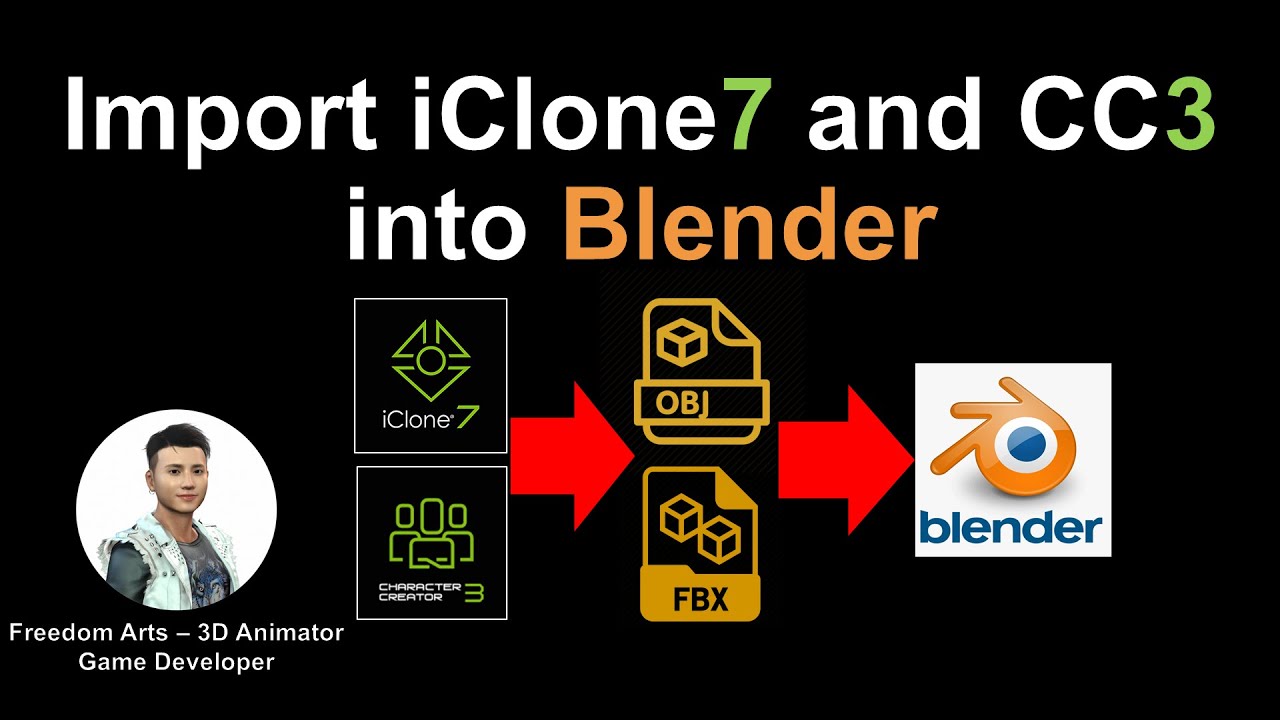
iClone and Character Creator 3 have so many high quality content, such as props, 3D models, 3D characters which are animation ready. How to export them to 3rd party software such as Blender to edit UV mapping and meshes? Follow this tutorial to export the contents as OBJ/FBX, then you import them into third party software like Blender.
Real-time keyboard strokes and mouse click on-screen. 100% step by step. If you follow every steps in this tutorial, it works.
iClone裏有那麽多現成可用的高品質模型,比如道具、3D模型、,要怎樣把iClone裏頭的道具或人物導出OBJ/FBX 并且導入Blender? 如果你想把iClone模型導出,并且導入其它建模軟件,比如想要重新編輯UV texture mapping紋理,或者改造模型,就可以用這個方法導出FBX並導入Blender進行改造。玩的開心!動畫愉快!
=============================
iClone 7
=============================
Get iClone 7 Animation Pipeline | Freedom 3D Arts
https://bit.ly/3ic3Qpq
Get iClone Unreal Live Link | Freedom 3D Arts
https://bit.ly/3pfcULR
Download Free Plugins | Freedom 3D Arts
https://bit.ly/3ij1F3k
=============================
Character Creator 3
=============================
Get Character Creator 3 Pipeline | Freedom 3D Arts
https://bit.ly/3g0Xqa5
Get SkinGen Premium Plug-in for Character Creator | Freedom 3D Arts
https://bit.ly/3g9n3po
Get Headshot Plug-in for Character Creator | Freedom 3D Arts
https://bit.ly/3icvjHQ
=========================================================
Download Blender for FREE:
https://www.blender.org/download/
If you love my video, click Subscribe at the bottom, and click the mini BELL, select all, to receive notification for every time I post a video. I will keep on posting more and more special tutorial for you.
THANK YOU FOR WATCHING!
Your friend,
FREEDOM.
Face any problem? Require any tutorial in 3D animation? Send me a message. Keep in touch. Try my best to help you solve the problems.
My FACEBOOK account:
https://www.facebook.com/Freedom-Arts-3D-animation-108187640914514/?modal=admin_todo_tour
#iClone
#CharacterCreator
#Blender
Real-time keyboard strokes and mouse click on-screen. 100% step by step. If you follow every steps in this tutorial, it works.
If you feel all these tutorials are helpful for you, SUBSCRIBE to my Youtube Channel, turn on the mini “BELL”, select “ALL”, so that when next time I publish a new video tutorial, you will receive the notification immediately.
THANK YOU FOR WATCHING!
Your friend,
FREEDOM
Face any problem? Require any tutorial in 3D animation and Game development? Send me a message, keep in touch. I will try my best to solve the problems.
Send me a MESSAGE (Facebook/Messenger):
https://www.facebook.com/messages/t/108187640914514
My FACEBOOK account:
https://www.facebook.com/Freedom-Arts-3D-animation-108187640914514
Join my Facebook GROUP:
https://www.facebook.com/groups/818222008952458
Youtube Channel:
Freedom Arts – 3D Animation and Game Developer
https://www.youtube.com/channel/UCPi437n6fBnO_z0vexNgv_w
My full tutorial playlist (No categorized):
https://www.youtube.com/channel/UCPi437n6fBnO_z0vexNgv_w/playlists?view_as=subscriber
My full tutorial playlist (categorized systematically by types):
https://freedomarts3d.blogspot.com/2020/10/3d-animation-and-game-developer-tutorial.html


Leave a Reply
You must be logged in to post a comment.