





• Search Keywords

  • Tutorial Type


  • Software


  • 3D Skill


๐Ÿš€ Speed Up Your 3D Workflow

๐Ÿ’ก Used in my tutorials
๐Ÿ’ก Tools I personally use

Stop wasting time switching tools.
Use the exact tools from my tutorials.

Freedom Animation Pipeline 9.1 (UE5.7)
Fastest way: Any 3D โ†’ Unreal Engine
Get the Plugin

Character Creator 5 (CC5)
Create pro-level characters in minutes
Download / Buy

iClone 8 Animation Software
Real-time animation made easy
Download / Buy

Meshy AI (Image โ†’ 3D)
Turn any image into a 3D model instantly
Try Now!

Tripo AI (Image โ†’ 3D)
Powerful AI 3D generator
Try Now!

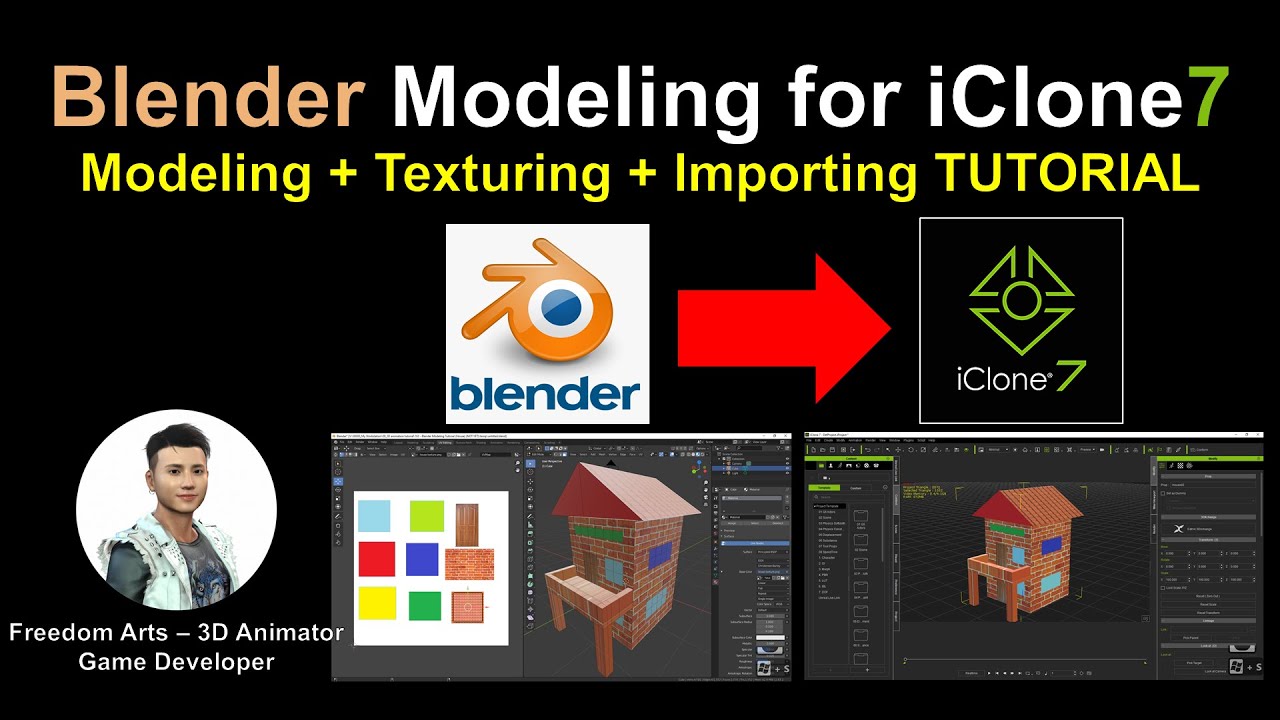
Blender Modeling for iClone – TUTORIAL

Blender Modeling for iClone
Modeling+ Texturing (UV mapping) + Importing Tutorial

Hey guys, we can create any props by our own, any 3D models in Blender, adding texture, shape it, and export as FBX file, then import into iClone 3D animation software. Modeling+ Texturing (UV mapping) + Importing FULL TUTORIAL! ENJOY! and have fun! Happy 3D animation!

Download Blender for FREE:
https://www.blender.org/download/

=============================
iClone 7
=============================

Get iClone 7 Animation Pipeline | Freedom 3D Arts
https://bit.ly/3ic3Qpq

Get iClone Unreal Live Link | Freedom 3D Arts
https://bit.ly/3pfcULR

Download Free Plugins | Freedom 3D Arts
https://bit.ly/3ij1F3k

=============================
Character Creator 3
=============================

Get Character Creator 3 Pipeline | Freedom 3D Arts
https://bit.ly/3g0Xqa5

Get SkinGen Premium Plug-in for Character Creator | Freedom 3D Arts
https://bit.ly/3g9n3po

Get Headshot Plug-in for Character Creator | Freedom 3D Arts
https://bit.ly/3icvjHQ

=========================================================

#modeling
#iClone
#blender
#tutorial

Real-time keyboard strokes and mouse click on-screen. 100% step by step. If you follow every steps in this tutorial, it works.

My full tutorial playlist (categorized systematically by types):
https://freedomarts3d.blogspot.com/2020/10/3d-animation-and-game-developer-tutorial.html

My full tutorial playlist (No categorized):
https://www.youtube.com/channel/UCPi437n6fBnO_z0vexNgv_w/playlists?view_as=subscriber

Youtube Channel:
Freedom Arts – 3D Animation and Game Developer
https://www.youtube.com/channel/UCPi437n6fBnO_z0vexNgv_w

If you feel all these tutorials are helpful for you, SUBSCRIBE to my Youtube Channel, turn on the mini “BELL”, select “ALL”, so that when next time I publish a new video tutorial, you will receive the notification immediately.

THANK YOU FOR WATCHING!

Your friend,
FREEDOM

Face any problem? Require any tutorial in 3D animation and Game development? Send me a message, keep in touch. I will try my best to solve the problems.

Send me a MESSAGE (Facebook/Messenger):
https://www.facebook.com/messages/t/108187640914514

My FACEBOOK account:
https://www.facebook.com/Freedom-Arts-3D-animation-108187640914514

Join my Facebook GROUP:
https://www.facebook.com/groups/818222008952458

source

9 responses to “Blender Modeling for iClone – TUTORIAL”

  1. Banter TV Avatar

    Absolute Freedom! Thank you for your time and effort, very helpful for a complete starter!

  2. AVDVDFOTOSEFILMAGENS Avatar

    Congratulations great video is what I wanted to create the base of a scenario for IClone 7.92…just a question when Exporting from Blender to IClone 7. For IClone 7 to recognize it just has to be exported from Blender as .FBX file as shown in the video or can it be exported as .OBJ? I look forward to it and thank you in advance

  3. Demo Id Avatar
  4. MYBESTMOVIE MUST Avatar

    I can't get texture in iclone…what to do?..

  5. Irfan MD Avatar

    Nice tutorial sir thankyou ๐Ÿ‘๐Ÿ˜€

  6. vivek tyagi Avatar

    Very Simply Explained. Very Very Useful. Many Many Thanks.

  7. Madhu Sudhan. G Avatar

    Hi Sir,
    I am big fan of you, because your tutorial is very satisfaction and if anyone ask something in comments means you will respond immediately with tutorial videos.
    Today my request is how to export entire scenes with camera, characters, motions, lightings and environment from iclone to blender or 3dsmax or unreal engine 4. Purpose of asking is rendering the entire project scenes in different quality of renders like vray render, octane render etc…
    Please guide me it will be very helpful for us by your guidance.

  8. IcloneFun Avatar

    Saving all your tutorials. As they come in very useful ๐Ÿ™‚ ๐Ÿ˜‰๐Ÿ‘

Leave a Reply

๐Ÿงฐ Recommended 3D Tools

๐Ÿ’ก Tools I use in my workflow

โšกBlender
The Core of all 3D Workflows

๐ŸŽฌiClone 3D Animation Software
Fast real-time animation

๐ŸŽจReallusion Character Creator
Create ready-to-use characters

๐ŸŒณ iClone Tree Generator
Rigged FBX template for iClone, create animated trees from any PNG

๐Ÿค– AI Image โ†’ 3D Tools

Meshy AI
Turn images into 3D instantly

Tripo AI
Powerful AI 3D generator

SAM 3D
Another AI 3D tool

๐ŸŒ 3D World Tools

Google Street View Download 360
Get real-world HDRI

Google Earth 3D Exporter
Extract real 3D maps

๐Ÿ”ฅ My Tool (Best for UE5)

Freedom Sky Light Plugin for UE5.7
Instant HDRI lighting in Unreal

Freedom Animation Pipeline 9.1 (UE5.7)
Any 3D โ†’ Unreal Engine (fast workflow)

๐ŸŽจ3D Character Creator

Character Creator (Reallusion)
Pro-level characters

Makehuman
Free open-source human creator

Vroid Studio
Anime-style character creation

Mixamo
Auto rig & animation setup

Fuse (Character Creator)
Simple human character creation