





• Search Keywords

  • Tutorial Type


  • Software


  • 3D Skill


🚀 Speed Up Your 3D Workflow

💡 Used in my tutorials
💡 Tools I personally use

Stop wasting time switching tools.
Use the exact tools from my tutorials.

Freedom Animation Pipeline 9.1 (UE5.7)
Fastest way: Any 3D → Unreal Engine
Get the Plugin

Character Creator 5 (CC5)
Create pro-level characters in minutes
Download / Buy

iClone 8 Animation Software
Real-time animation made easy
Download / Buy

Meshy AI (Image → 3D)
Turn any image into a 3D model instantly
Try Now!

Tripo AI (Image → 3D)
Powerful AI 3D generator
Try Now!

Mixamo Avatar to Unreal Engine 5 – Main Avatar & NPC – UE5 Full Tutorial August 2022

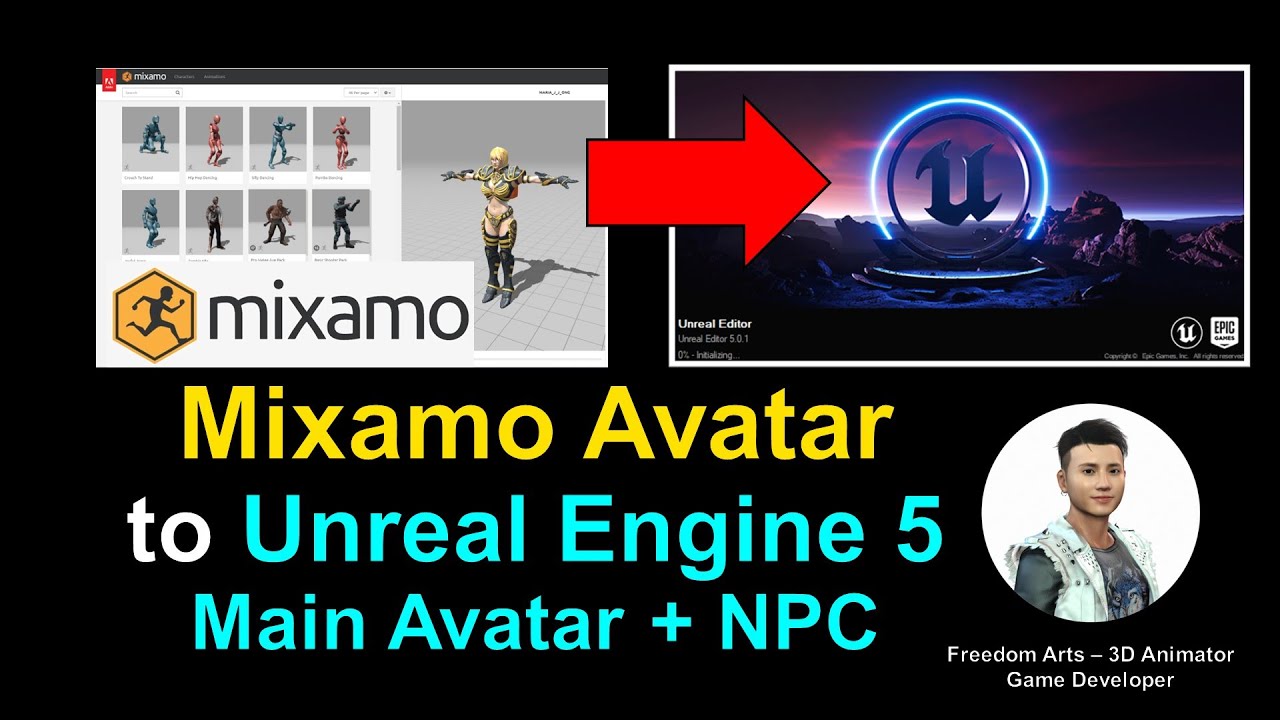
Hey guys! What is the fastest method to import Mixamo 3D Avatar inito your Unreal Engine 5 game project, and make it become the main avatar or NPC in your game? This is my step-by-step tutorial on how to do this! ENJOY! and have fun! Happy animation and game dev! ENJOY!

Enter Mixamo Website:
https://www.mixamo.com/#/

Get iClone CC Auto Setup for Unreal Engine
https://www.reallusion.com/auto-setup/unreal-engine/default.html

iClone CC Auto Setup location after installed:
C:Program FilesReallusionShared PluginsAuto SetupUnreal

Get UE5 Avatar importing tools:
https://drive.google.com/file/d/1C4mQVehtvDJGM8TzLtHxFt1O9dKII7gu/view?usp=sharing

Get Character Creator 4
https://bit.ly/3g0Xqa5

Get Unreal Engine:
https://www.unrealengine.com/en-US/download

EXTRA TUTORIAL:
Mixamo Motion to Unreal Engine 5 – Full Tutorial
https://www.youtube.com/watch?v=9gNQq9Rf0Zk

#Mixamo
#UnrealEngine
#UE5
#UE
#UE4
#GameDev
#CharacterCreator
#Tutorial

Mixamo Avatar to Unreal Engine 5 – Main Avatar & NPC – UE5 Full Tutorial August 2022
=========================================

My 3D Animation and Game Developing full tutorial playlist (categorized systematically by types):
https://freedomarts3d.blogspot.com/2020/10/3d-animation-and-game-developer-tutorial.html

My 3D Animation and Game Developing full tutorial playlist (No categorized):
https://www.youtube.com/channel/UCPi437n6fBnO_z0vexNgv_w/playlists?view_as=subscriber

Real-time keyboard strokes and mouse click on-screen. 100% step by step. If you follow every steps in this tutorial, it works.

My Youtube Channel:
Freedom Arts – 3D Animation and Game Developer
https://www.youtube.com/channel/UCPi437n6fBnO_z0vexNgv_w

If you feel all these tutorials are helpful for you, SUBSCRIBE to my Youtube Channel, turn on the mini “BELL”, select “ALL”, so that when next time I publish a new video tutorial, you will receive the notification immediately.

THANK YOU FOR WATCHING!

Your friend,
FREEDOM

Face any problem? Require any tutorial in 3D animation and Game development? Send me a message, keep in touch. I will try my best to solve the problems.

Send me a MESSAGE (Facebook/Messenger):
https://www.facebook.com/messages/t/108187640914514

My FACEBOOK account:
https://www.facebook.com/Freedom-Arts-3D-animation-108187640914514

Join my Facebook GROUP:
https://www.facebook.com/groups/818222008952458

source

2 responses to “Mixamo Avatar to Unreal Engine 5 – Main Avatar & NPC – UE5 Full Tutorial August 2022”

  1. Rudaynah TannousNahelFilsdepute Avatar

    Hello freedom and thank you for your videos.

    Is it possible with character creator to combine the different mesh ( character + cloth + eye + teeth etc … ) so as to have only one mesh file ? I don't know if I'm clear enough in my question.

    I manage to optimize the number of faces to make the model lighter ,but I just have to combine everything in 1 and for the moment I'm stuck. (maybe it's not possible on character creator?)

  2. Viktor Shtam Avatar

    Good afternoon. I always watch your lessons. But I have a problem. Every time you import an animation from an fbx file made in iclone or With into UE5, the animation is not imported, but a red inscription appears-"Animation length 18.35 is not compatible with import frame-rate 1920 fps (sub frame 0.001), animation has to be frame-border aligned." How to fix this error?

Leave a Reply

🧰 Recommended 3D Tools

💡 Tools I use in my workflow

Blender
The Core of all 3D Workflows

🎬iClone 3D Animation Software
Fast real-time animation

🎨Reallusion Character Creator
Create ready-to-use characters

🌳 iClone Tree Generator
Rigged FBX template for iClone, create animated trees from any PNG

🤖 AI Image → 3D Tools

Meshy AI
Turn images into 3D instantly

Tripo AI
Powerful AI 3D generator

SAM 3D
Another AI 3D tool

🌍 3D World Tools

Google Street View Download 360
Get real-world HDRI

Google Earth 3D Exporter
Extract real 3D maps

🔥 My Tool (Best for UE5)

Freedom Sky Light Plugin for UE5.7
Instant HDRI lighting in Unreal

Freedom Animation Pipeline 9.1 (UE5.7)
Any 3D → Unreal Engine (fast workflow)

🎨3D Character Creator

Character Creator (Reallusion)
Pro-level characters

Makehuman
Free open-source human creator

Vroid Studio
Anime-style character creation

Mixamo
Auto rig & animation setup

Fuse (Character Creator)
Simple human character creation