





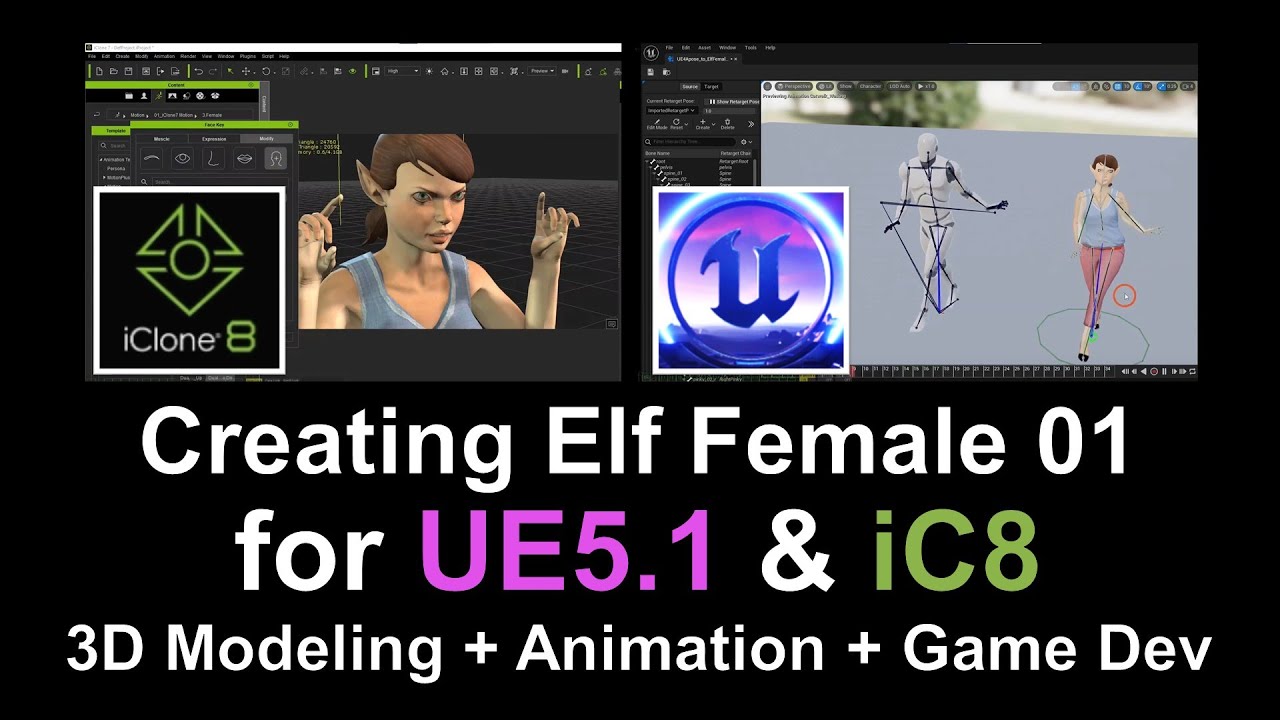
Title:
“Creating an Interactive Elf Female Avatar: From Fuse to Unreal Engine 5.1 & iClone 8 Tutorial”
Description:
Welcome to this comprehensive tutorial on creating an interactive Elf Female Avatar, starting from Fuse, moving onto Maya and Mixamo for rigging, then implementing it into Unreal Engine 5.1, and finally converting it into an iClone 8 iAvatar. Throughout this guide, we will cover a wide range of techniques, from character design and rigging to facial morphing and animation setup.
00:00:00 – Introduction and Overview
00:00:00 – 3D Avatar Designing in Fuse: Designing an Elf Female avatar
Get Fuse
https://store.steampowered.com/app/257400/Fuse/
00:05:24 – Exporting Facial Morph / Blend Shape as OBJ from Fuse
00:11:04 – iClone 8: Combining Morph Blend Shapes and exporting as OBJ
Get iClone 8
https://bit.ly/3mLztLb
00:16:27 – Maya: Checking Morph Blend Shapes for consistency
00:17:48 – Mixamo Auto Rigging: Initial attempt (Unsuccessful)
00:21:35 – Maya: Removing Root Bone to rectify rigging issues
00:24:10 – Mixamo Auto Rigging: Second attempt (Successful)
00:25:52 – Maya: Creating a Root Bone for better rig control
00:27:44 – Maya: Using the Simplygon Plugin for Material Baking
00:32:24 – Unreal Engine: Importing Avatar and Material Setup
00:48:36 – UE5: Installing Freedom Animation Pipeline Plugin
Get Freedom Animation Pipeline Plugin:
https://freedom3d.art/2023/04/20/freedom-animation-pipeline-for-unreal-engine/
00:49:23 – UE5: Creating an Inverse Kinematics (IK) Rig
00:54:06 – UE5: Creating an IK Retargeter and Retargeting animations
01:00:46 – UE5: Setting up the Elf Female avatar as the Player Main Avatar
01:02:17 – UE5: Exporting Avatar as FBX & UASSET, then testing in another project
01:11:14 – iClone 8: Converting the avatar to an iAvatar and setting up facial animations
#3DModeling #AvatarCreation #AdobeFuse #Maya #Mixamo #UnrealEngine51 #iClone8 #GameDevelopment #Animation #CharacterRigging #FacialMorphs #IKRigging #iAvatar #Simplygon
Get iClone 8
https://bit.ly/3mLztLb
Get Character Creator 4
https://bit.ly/41tfvEp
Get all iClone 8 & Character Creator 4 software, content, and plugins from here:
https://freedom3d.art/2023/05/18/get-download-all-iclone-8-and-character-creator-4-software-plugin-contents-official-link/
=========================================
If you found value in this video and would like to support me in creating more high-quality tutorials, you can donate to me through the link:
Donate through Gumroad
https://freedomarts3d.gumroad.com/l/donate
Donate through Patreon
https://www.patreon.com/freedom3Dart
Freedom Arts 3D Official Site (3D Models/Contents/Tutorial Sharing)
https://freedom3d.art/
My Youtube Channel:
Freedom Arts – 3D Animation and Game Developer
https://www.youtube.com/@FreedomArts3D/featured
Face any problem? Require any tutorial in 3D animation and Game development? Send me a message, keep in touch. I will try my best to solve the problems.
Email:
[email protected]
Send me a MESSAGE (Facebook/Messenger):
https://www.facebook.com/messages/t/108187640914514
My FACEBOOK account:
https://www.facebook.com/Freedom-Arts-3D-animation-108187640914514
Join my Facebook GROUP:
https://www.facebook.com/groups/818222008952458
To ensure you don’t miss out on any of my helpful tutorials, make sure to subscribe to my YouTube channel and turn on the notification bell with the “ALL” setting. By doing so, you’ll be notified immediately whenever I publish a new video tutorial.
THANK YOU FOR WATCHING!
Your friend,
FREEDOM

Leave a Reply
You must be logged in to post a comment.