





Get iClone 8, Character Creator 4 (CC4) & all Plug-in
https://shrsl.com/4n99y
– 📢Join 2024 Reallusion 3D Contest (MAY 15 – SEP 01):
TOTALLY 3 URL(s) START…
Blender Pipeline | iClone 8 & Character Creator 4
https://rebrand.ly/9k6km03
CC Control Rig | iClone 8, Character Creator 4, Unreal Engine 5
https://rebrand.ly/edc2p8u
3D Contest | Reallusion iClone 8 & Character Creator 4
https://rebrand.ly/1wjwqyx
TOTALLY 3 URL(s) END…
Download iClone & CC Software+Plugin+Contents:
https://freedom3d.net/
Download FREE 3D Models FBX OBJ:
https://freedom3d.org/
Get 3D Software Tutorial:
https://freedom3d.art/
– Title:
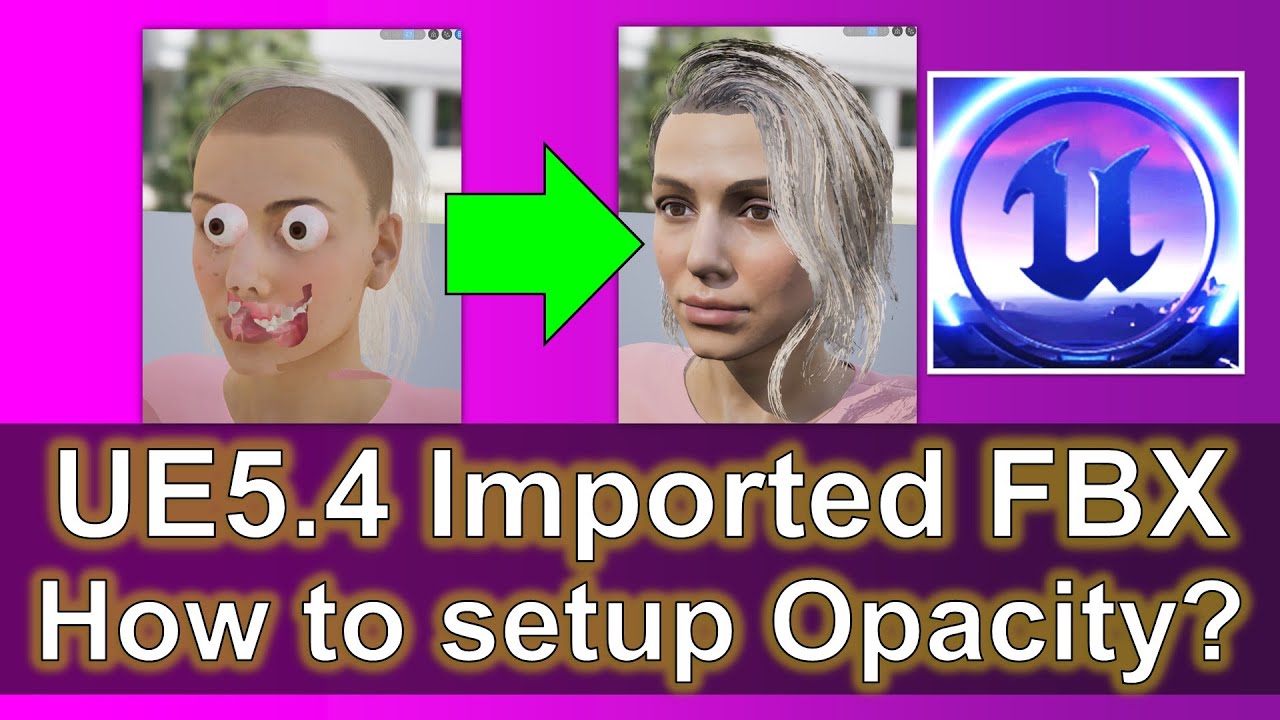
How to setup opacity for imported FBX 3D Model? Unreal Engine 5.4 Tutorial
Description:
Hey guys, how to setup opacity mask for imported FBX 3D Model? This is my step-by-step tutorials on how to do this! ENJOY! and have fun! Happy 3D Modeling, 3D Animation + 3D Game Dev! ENJOY!
DOWNLOAD all my 3D Models & Scans (FBX) (FREE)
https://freedom3d.org/category/3d-scanned/
DOWNLOAD iClone 8 and Character Creator 4 (CC4) Software + Plugin + Contents
https://freedom3d.net/
GET all my iClone Tutorials (FREE)
https://freedom3d.net/category/software-iclone-8+category-tutorial/
GET all my Character Creator 4 (CC4) Tutorials (FREE)
https://freedom3d.net/category/character-creator+category-tutorial/
GET all my Blender Tutorials (FREE)
https://freedom3d.art/category/software-blender+category-tutorial/
GET all my Unreal Engine Tutorials (FREE)
https://freedom3d.art/category/unreal-engine-ue+category-tutorial/
Send me a Facebook Message (Chat in Messenger)
https://m.me/108187640914514?ref=Flow
DONATE to support this Channel
https://freedom3d.art/donate/
#UnrealEngine
#Material
#Opacity
#FBX
#Imported
#Alpha
#CGI
#3DModeling
#3DAnimation
#GameDevelopment
#GameDev
#FreedomArts
how to setup opacity in Unreal,
how to setup material in unreal,
how to setup opacity map in ue5,
how to setup opacity map in ue,
Unreal Engine,
Material,
Opacity,
FBX,
Imported,
Alpha,
CGI,
3D Modeling,
3D Animation,
Game Development,
Game Dev,
Freedom Arts,
source


Leave a Reply
You must be logged in to post a comment.