





Title:
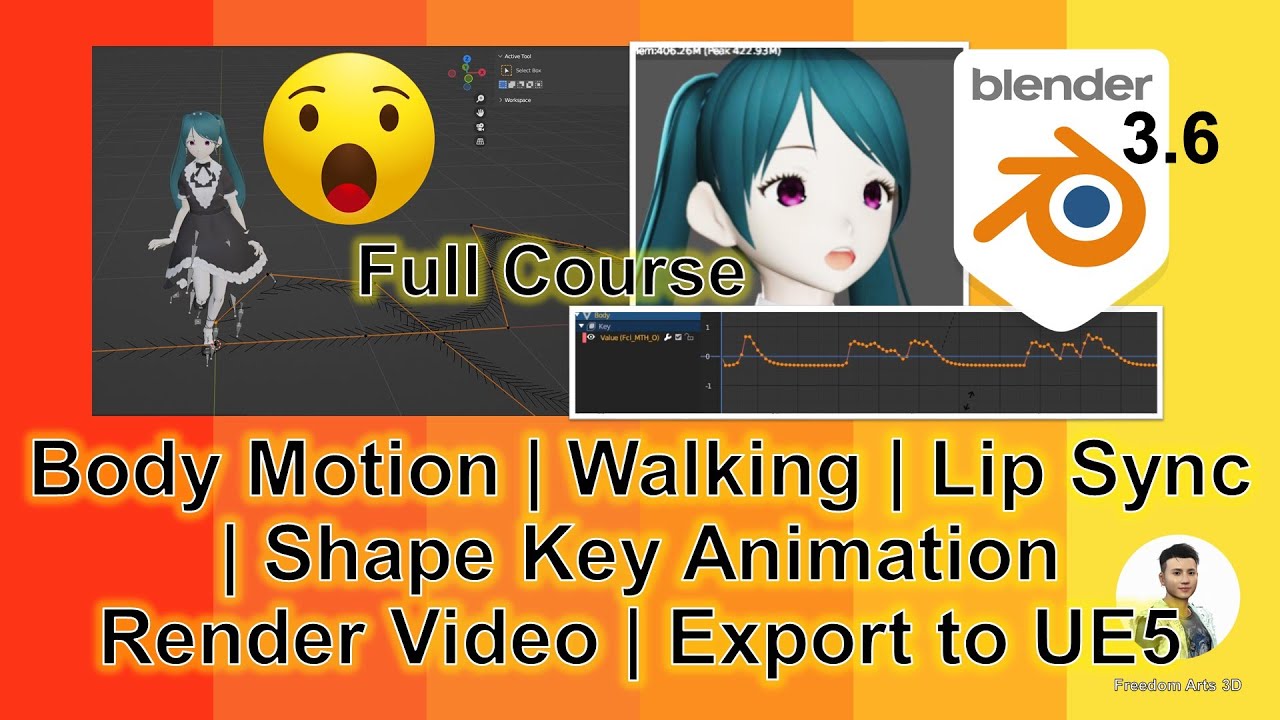
Blender 3.6 3D Animation + Lip Sync Shape Key + Render Video + Export All to UE5 | Full Tutorial!!!
Description:
Hey guys, this is the ultimate Blender 3.6 course for 3D Animation & Game Development. In this tutorial, you will learn:
– How to create a 3D Avatar
– Creating Body Animation & Walking Animation
– Setting up Scene & Camera
– Creating Facial & Lip Sync Shape Key Animation
– Rendering Everything as a Video File
– Baking Everything and Exporting 3D Model as FBX for Other 3D Software and 3D Game Engines
The final exported FBX files are embedded with material textures, body animations, and facial shape key lip sync animations!
Prerequisite:
You must know how to create a 3D Avatar; check my previous tutorial:
[Vroid Studio to FBX with Facial Morph Target + Material Textures + Rig Skeleton – Full Tutorial]
https://www.youtube.com/watch?v=xdm1idOVnSg
[Step-by-Step Guide: Creating a Cartoon Manga 3D Avatar with Blender 3.6 and Vroid Studio]
(https://freedom3d.art/post-category/category-tutorial/step-by-step-guide-creating-a-cartoon-manga-3d-avatar-with-blender-3-6-and-vroid-studio/)
Install Rokoko Plugin:
https://www.rokoko.com/integrations/blender
How to Install Rokoko Plugin:
https://support.rokoko.com/hc/en-us/articles/4410463492241-Install-the-Blender-plugin
Login to Mixamo, Get a Walking Animation:
https://www.mixamo.com/#
Download as FBX
Tutorial to generate Text to speech (Balabolka):
https://freedom3d.art/skill-function-workflow/skill-pipeline/tutorial-balabolka-tts-activate-100-text-to-speech-voice-for-balabolka/
Creating Your 3D Avatar:
– Import your 3D Avatar FBX
– Import Mixamo walking animation FBX
– Retarget Mixamo walking animation to your 3D Avatar
Creating Body Animation & Walking Animation:
– Create a walking path
– Go to non-linear animation
– Make a few repeated walking animations
– Select Bone, then select path, CTRL-P, Path Constraint
– Select Armature, go to Object Constraint
– Forward Axis: -Y; Up Axis: Z; Select Follow Curve, click Animate Path
– Adjust Path Animation Frame to a larger number
Setting up Scene & Camera:
– Create a Camera, attach it to 3D Avatar
– Adjust camera to focus on 3D Avatar
– Create a Floor with texture
Creating Facial & Lip Sync Shape Key Animation:
– Record a voice / Generated a TTS
– Import voice record audio file and create a lip sync talking animation
– Unbake the curve, adjust F-curve amplitude, maximum approximately to 1
Rendering Video:
– Adjust lighting
– Render video (Full body walking animation)
– Render video (Lip Sync talking animation)
– Save blend file before Baking action
Exporting 3D Model as FBX for 3rd Party 3D Software & Game Engine:
– Bake action
– Select 3D Avatar only
– Export FBX (untick ‘apply modifier’ and ‘add leaf bones’)
– Export full FBX which is embedded with material texture, body animation, and lip sync talking animation
– Import into Unreal Engine (for testing, success!)
– Done!
Download Blender:
https://bit.ly/DownloadBlenderFreedomArts
Download Unreal Engine 5:
https://bit.ly/UnrealEngine5FreedomArts
Download All 3D Software:
https://freedom3d.art/download-all-3d-software/
Visit My Website to Get More 3D Resources:
https://freedom3d.art/
Freedom Arts 3D: 3D Modeling, 3D Animation, 3D Game Dev Tutorials, 3D Contents, 3D Models Collection!
Subscribe to My YouTube Channel for More 3D Tutorials & Sharing:
Freedom Arts – 3D Animation & Game Developer
My YouTube Channel URL: https://www.youtube.com/@FreedomArts3D
Contact Me:
My Email: [email protected]
Send me a Facebook Message: https://www.facebook.com/messages/t/108187640914514
Join my Facebook Group: https://www.facebook.com/groups/818222008952458
Support My 3D Contents & Tutorials Sharing:
Donate through Gumroad:
https://freedomarts3d.gumroad.com/l/donate
Donate through Patreon:
https://www.patreon.com/freedom3Dart
Tags:
Blender 3.6, 3D Animation, Lip Sync, Shape Key Animation, Render Video, UE5, Unreal Engine 5, FBX Export, Game Development, 3D Avatar, Walking Animation, Blender Tutorial, Rokoko Plugin, Mixamo, Scene Setup, Camera Animation, Texturing, Facial Animation, Rendering, Video Tutorial, Freedom Arts, 3D Game Dev Tutorial, 3D Modeling, FBX for UE5, Material Texture
Hashtags:
#Blender36 #3DAnimation #LipSync #ShapeKeyAnimation #RenderVideo #UE5 #UnrealEngine5 #FBXExport #GameDev #3DAvatar #WalkingAnimation #BlenderTutorial #RokokoPlugin #Mixamo #SceneSetup #CameraAnimation #Texturing #FacialAnimation #Rendering #VideoTutorial #FreedomArts #3DGameDevTutorial #3DModeling #FBXforUE5 #MaterialTexture
Leave a Reply
You must be logged in to post a comment.