





• Search Keywords

  • Tutorial Type


  • Software


  • 3D Skill


🚀 Speed Up Your 3D Workflow

💡 Used in my tutorials
💡 Tools I personally use

Stop wasting time switching tools.
Use the exact tools from my tutorials.

Freedom Animation Pipeline 9.1 (UE5.7)
Fastest way: Any 3D → Unreal Engine
Get the Plugin

Character Creator 5 (CC5)
Create pro-level characters in minutes
Download / Buy

iClone 8 Animation Software
Real-time animation made easy
Download / Buy

Meshy AI (Image → 3D)
Turn any image into a 3D model instantly
Try Now!

Tripo AI (Image → 3D)
Powerful AI 3D generator
Try Now!

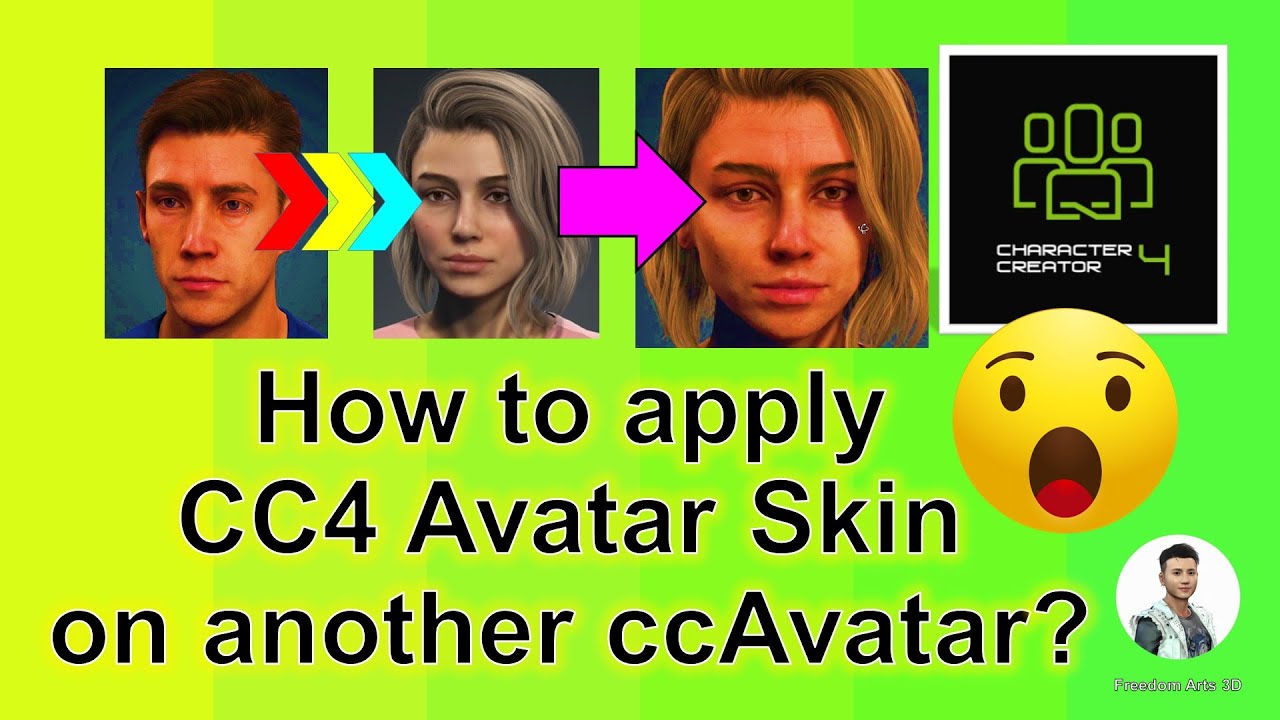
How to apply CC4 Avatar’s Skin on another CC4 Avatar – Character Creator 4 Tutorial

Tutorial Type:
Software:
Skill:


Title:
How to apply CC4 Avatar’s Skin on another CC4 Avatar – Character Creator 4 Tutorial

Description:
Hey guys, how to apply Character Creator 4 (CC4) avatar’s skin on another CC4 Avatar with just one click? This is my step-by-step tutorial on how to do this! ENJOY! and have fun! Happy 3D Modeling, 3D Animation & 3D Game Dev! ENJOY!

DOWNLOAD iClone 8
https://bit.ly/3mLztLb

DOWNLOAD Character Creator 4
https://bit.ly/41tfvEp

DOWNLOAD all iClone 8 and Character Creator 4 Software + Plugin + Contents
https://bit.ly/IC8CC4

DOWNLOAD all 3D Software:
https://freedom3d.art/download-all-3d-software/

VISIT MY WEBSITE TO GET MORE 3D RESOURCES:
https://freedom3d.art/
FREEDOM ARTS 3D: 3D MODELING, 3D ANIMATION, 3D GAME DEV TUTORIALS, 3D CONTENTS, 3D MODELS COLLECTION!

SUBSCRIBE MY YOUTUBE CHANNEL FOR MORE 3D TUTORIALS & SHARING:
Freedom Arts – 3D Animation & Game Developer
My Youtube Channel URL: https://www.youtube.com/@FreedomArts3D

CONTACT ME:
My email: [email protected]
Send me a Facebook Message: https://www.facebook.com/messages/t/108187640914514
Join my Facebook group: https://www.facebook.com/groups/818222008952458

SUPPORT MY 3D CONTENTS & TUTORIALS SHARING:
Donate through Gumroad
https://freedomarts3d.gumroad.com/l/donate
Donate through Patreon
https://www.patreon.com/freedom3Dart

Tags:
Character Creator 4,CC4,iClone 8,3D Modeling,3D Animation,3D Game Development,Avatar Skin,How To,Step-By-Step Tutorial,CC4 Avatar,iClone Software,3D Software,3D Models,Character Design,Game Dev Tutorial,Freedom Arts,Freedom Arts 3D,3D Resources,Download 3D Software,3D Animation Tutorial

Hashtags:
#CharacterCreator4 #CC4 #iClone8 #3DModeling #3DAnimation #3DGameDev #AvatarSkin #HowTo #Tutorial #FreedomArts3D

source

3 responses to “How to apply CC4 Avatar’s Skin on another CC4 Avatar – Character Creator 4 Tutorial”

  1. @Merazzi Avatar

    Hi, Can I blend a Scanned texture in Headshot Mesh with the Kevin Skin for example?

  2. @johnanyan6297 Avatar

    Always great tutorials.
    Can you do a video on sending mixamo character rigged by accurig to CC for facial animation

  3. @eFifafc24 Avatar

    Thank you so much you're the best

Leave a Reply

🧰 Recommended 3D Tools

💡 Tools I use in my workflow

Blender
The Core of all 3D Workflows

🎬iClone 3D Animation Software
Fast real-time animation

🎨Reallusion Character Creator
Create ready-to-use characters

🌳 iClone Tree Generator
Rigged FBX template for iClone, create animated trees from any PNG

🤖 AI Image → 3D Tools

Meshy AI
Turn images into 3D instantly

Tripo AI
Powerful AI 3D generator

SAM 3D
Another AI 3D tool

🌍 3D World Tools

Google Street View Download 360
Get real-world HDRI

Google Earth 3D Exporter
Extract real 3D maps

🔥 My Tool (Best for UE5)

Freedom Sky Light Plugin for UE5.7
Instant HDRI lighting in Unreal

Freedom Animation Pipeline 9.1 (UE5.7)
Any 3D → Unreal Engine (fast workflow)

🎨3D Character Creator

Character Creator (Reallusion)
Pro-level characters

Makehuman
Free open-source human creator

Vroid Studio
Anime-style character creation

Mixamo
Auto rig & animation setup

Fuse (Character Creator)
Simple human character creation