





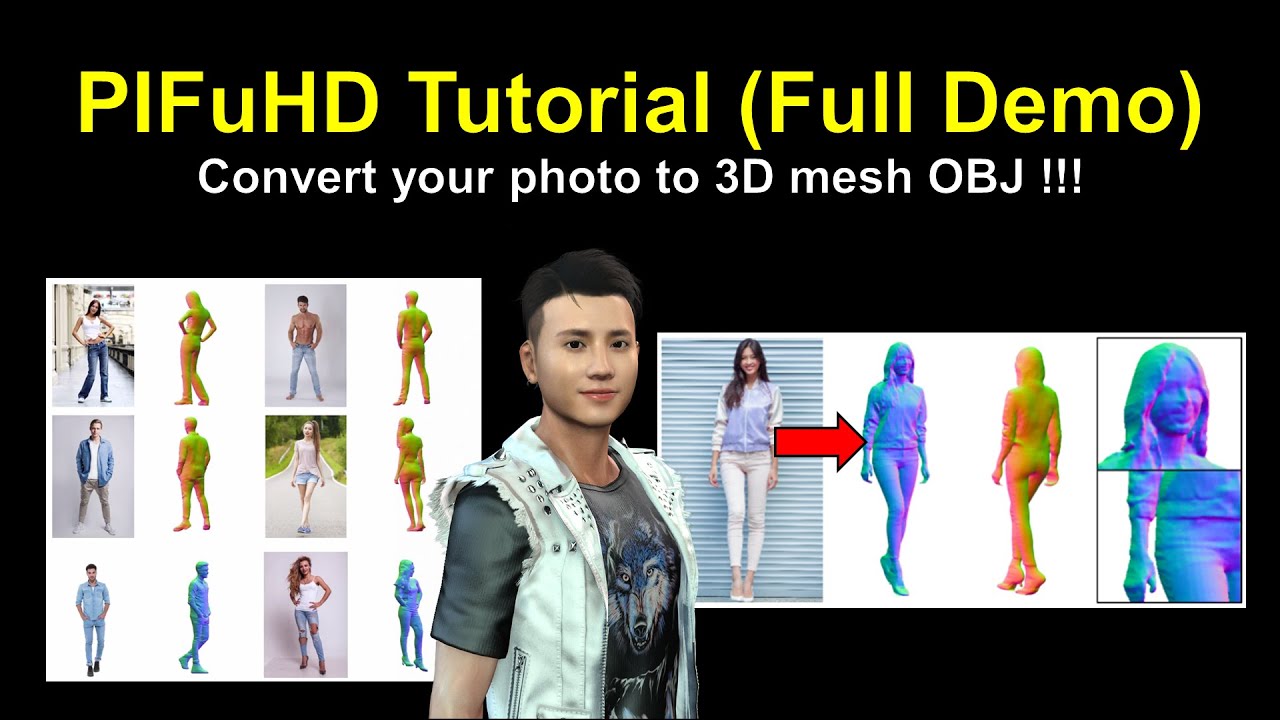
This tutorial is already outdated. I just updated the new tutorial on 24th June 2020.
New version of tutorial at here:
https://www.youtube.com/watch?v=kERzhJKYvGo&list=PLNvWyorFdszm3j6fGlhdkw0iOPvdd1xjw&index=7
PIFuHD official website:
https://shunsukesaito.github.io/PIFuHD/
Convert your photo to 3D mesh – PIFuHD Full tutorial
Real-time keyboard strokes and mouse click on-screen. 100% step by step. If you follow every steps in this tutorial, it works.
PIFuHD: Multi-Level Pixel-Aligned Implicit Function for High-Resolution 3D Human Digitization
If you love my video, click Subscribe at the bottom, and click the mini BELL, select all, to receive notification for every time I post a video. I will keep on posting more and more special tutorial for you.
THANK YOU FOR WATCHING!
Your friend,
FREEDOM.
Face any problem? Require any tutorial in 3D animation? Send me a message. Keep in touch. Try my best to help you solve the problems.
My FCEBOOK account:
https://www.facebook.com/Freedom-Arts-3D-animation-108187640914514/?modal=admin_todo_tour
===================
About Blender
===================
Blender is the free and open source 3D creation suite. It supports the entirety of the 3D pipeline—modeling, rigging, animation, simulation, rendering, compositing and motion tracking, video editing and 2D animation pipeline.
Blender is a public project, made by hundreds of people from around the world; by studios and individual artists, professionals and hobbyists, scientists, students, VFX experts, animators, game artists, modders, and the list goes on.
Real-time keyboard strokes and mouse click on-screen. 100% step by step. If you follow every steps in this tutorial, it works.
My full tutorial playlist (categorized systematically by types):
https://freedomarts3d.blogspot.com/2020/10/3d-animation-and-game-developer-tutorial.html
My full tutorial playlist (No categorized):
https://www.youtube.com/channel/UCPi437n6fBnO_z0vexNgv_w/playlists?view_as=subscriber
Youtube Channel:
Freedom Arts – 3D Animation and Game Developer
https://www.youtube.com/channel/UCPi437n6fBnO_z0vexNgv_w
If you feel all these tutorials are helpful for you, SUBSCRIBE to my Youtube Channel, turn on the mini “BELL”, select “ALL”, so that when next time I publish a new video tutorial, you will receive the notification immediately.
THANK YOU FOR WATCHING!
Your friend,
FREEDOM
Face any problem? Require any tutorial in 3D animation and Game development? Send me a message, keep in touch. I will try my best to solve the problems.
Send me a MESSAGE (Facebook/Messenger):
https://www.facebook.com/messages/t/108187640914514
My FACEBOOK account:
https://www.facebook.com/Freedom-Arts-3D-animation-108187640914514
Join my Facebook GROUP:
https://www.facebook.com/groups/818222008952458
===================
About iClone
===================
iClone is the fastest real-time 3D animation software in the industry, helping you easily produce professional animations for films, previz, animation, video games, content development, education and art. Integrated with the latest real-time technologies, iClone 7 simplifies the world of 3D Animation in a user-friendly production environment that blends character animation, scene design and cinematic storytelling; quickly turning your vision into a reality.
#PIFuHD
#HighResolution3DHumanDigitization
#tutorial
#PictureTo3D


Leave a Reply
You must be logged in to post a comment.