





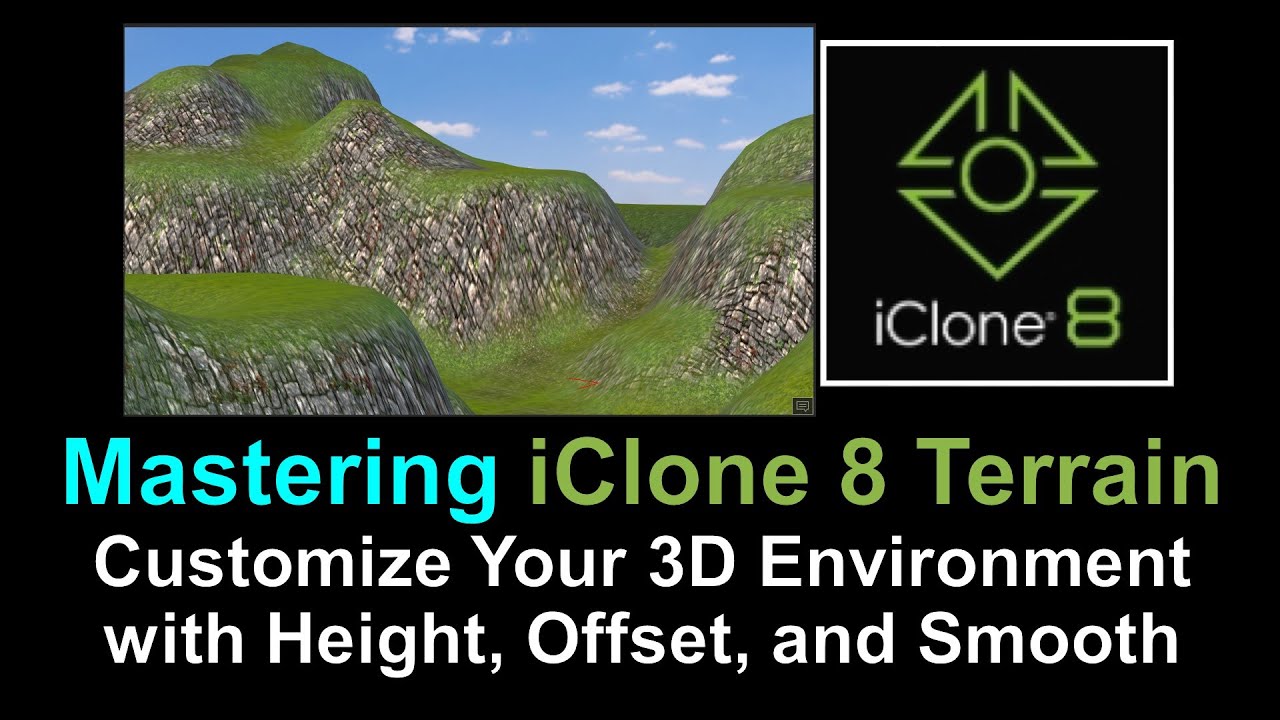
Video Title:
Mastering iClone 8 Terrain: Customize Your 3D Environment with Height, Offset, and Smooth
Video Description:
In this in-depth iClone 8 terrain tutorial, learn how to create and customize stunning 3D environments using the original terrain template. Discover the power of adjusting three key variables: Height Scale, Height Offset, and Smooth. Join us as we explore the process of applying the terrain template, manipulating height, offsetting the terrain, and achieving a smoother surface. Unlock the secrets to building realistic landscapes in iClone 8 and bring your scenes to life!
Get iClone 8
https://bit.ly/3mLztLb
Get Character Creator 4
https://bit.ly/41tfvEp
Get all iClone 8 & Character Creator 4 software, content, and plugins from here:
https://freedom3d.art/2023/05/18/get-download-all-iclone-8-and-character-creator-4-software-plugin-contents-official-link/
Hashtags:
#iClone8TerrainTutorial #3DEnvironment #TerrainCustomization #LandscapeDesign #DigitalLandscapes #iCloneTips #TerrainManipulation #iCloneCommunity #TerrainEditing #TerrainParameters
=========================================
If you found value in this video and would like to support me in creating more high-quality tutorials, you can donate to me through the link:
Donate through Gumroad
https://freedomarts3d.gumroad.com/l/donate
Donate through Patreon
https://www.patreon.com/freedom3Dart
Freedom Arts 3D Official Site (3D Models/Contents/Tutorial Sharing)
https://freedom3d.art/
My Youtube Channel:
Freedom Arts – 3D Animation and Game Developer
https://www.youtube.com/@FreedomArts3D/featured
Face any problem? Require any tutorial in 3D animation and Game development? Send me a message, keep in touch. I will try my best to solve the problems.
Email:
[email protected]
Send me a MESSAGE (Facebook/Messenger):
https://www.facebook.com/messages/t/108187640914514
My FACEBOOK account:
https://www.facebook.com/Freedom-Arts-3D-animation-108187640914514
Join my Facebook GROUP:
https://www.facebook.com/groups/818222008952458
To ensure you don’t miss out on any of my helpful tutorials, make sure to subscribe to my YouTube channel and turn on the notification bell with the “ALL” setting. By doing so, you’ll be notified immediately whenever I publish a new video tutorial.
THANK YOU FOR WATCHING!
Your friend,
FREEDOM
Leave a Reply
You must be logged in to post a comment.