





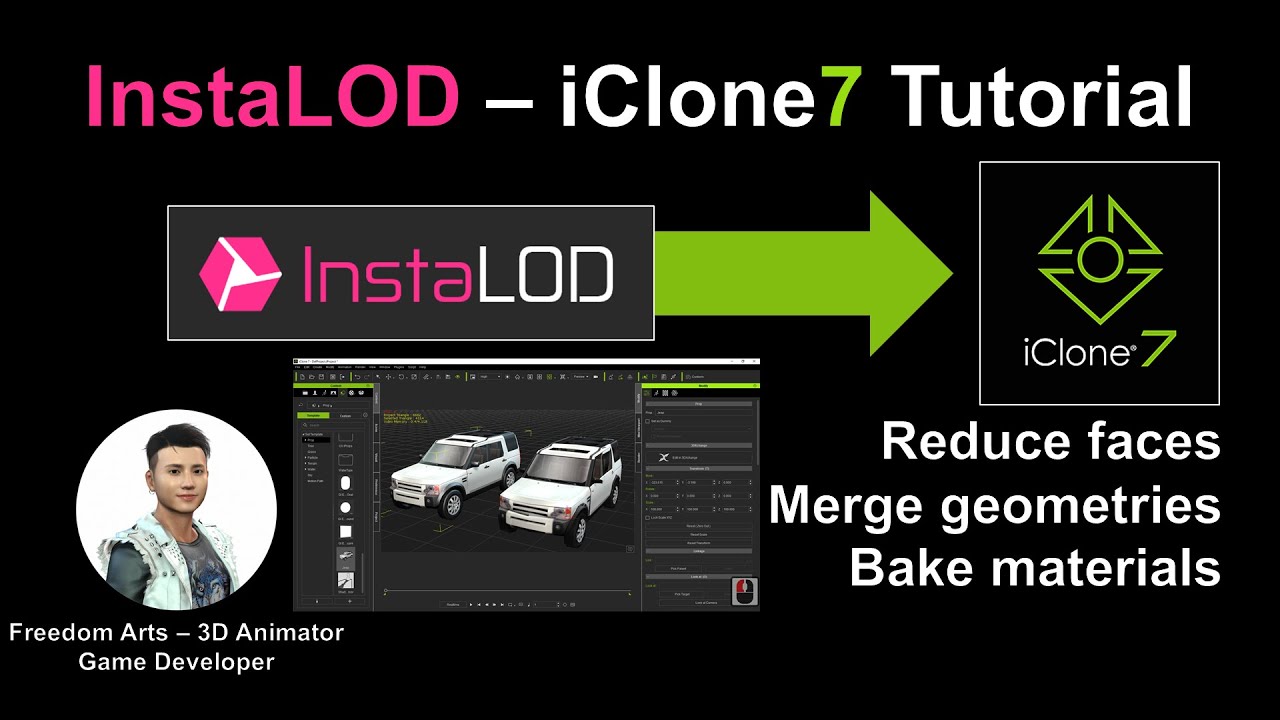
Hey guys! How to reduce 3D object from high poly to low poly? Combine all meshes to be one single mesh, and bake all texture images to become one single image? Reduce poly can make your iClone 3D model become the simplest form, so that your 3D animation wont lag. This is my step-by-step tutorial on how to make this! ENJOY! and have fun! Happy 3D modeling, animation and game dev! ENJOY!
InstaLOD – iClone Tutorial
Software used in this tutorial:
1. iClone 7
2. Character Creator 3
3. 3DXchange 7
4. InstaLOD plugin in CC3 pipeline
Hey guys, if you use have a iClone Prop, and it alway cause your real-time animation lag, because of it is complex, high poly, multiple meshes and textures, then how to
1. Merge all geometry meshes to one single mesh in 1-minute!
2. Reduce polygon faces in 1-minute!
3. Bake all material textures into one single texture in 1-minute!
Follow step-by-step, you can done in 3 minutes! It will be the simplest form of 3D model (single mesh, single texture image and low poly), and it will make your real-time animation very smooth without lag, as simple 3D model now, you can export your model into your game engine too! Enjoy!
=============================
iClone 7
=============================
Get iClone 7 Animation Pipeline | Freedom 3D Arts
https://bit.ly/3ic3Qpq
Get iClone Unreal Live Link | Freedom 3D Arts
https://bit.ly/3pfcULR
Download Free Plugins | Freedom 3D Arts
https://bit.ly/3ij1F3k
=============================
Character Creator 3
=============================
Get Character Creator 3 Pipeline | Freedom 3D Arts
https://bit.ly/3g0Xqa5
Get SkinGen Premium Plug-in for Character Creator | Freedom 3D Arts
https://bit.ly/3g9n3po
Get Headshot Plug-in for Character Creator | Freedom 3D Arts
https://bit.ly/3icvjHQ
=========================================================
#InstaLOD
#iClone
#CharacterCreator
#3DXchange
Real-time keyboard strokes and mouse click on-screen. 100% step by step. If you follow every steps in this tutorial, it works.
If you feel all these tutorials are helpful for you, SUBSCRIBE to my Youtube Channel, turn on the mini “BELL”, select “ALL”, so that when next time I publish a new video tutorial, you will receive the notification immediately.
THANK YOU FOR WATCHING!
Your friend,
FREEDOM
Face any problem? Require any tutorial in 3D animation and Game development? Send me a message, keep in touch. I will try my best to solve the problems.
Send me a MESSAGE (Facebook/Messenger):
https://www.facebook.com/messages/t/108187640914514
My FACEBOOK account:
https://www.facebook.com/Freedom-Arts-3D-animation-108187640914514
Join my Facebook GROUP:
https://www.facebook.com/groups/818222008952458
Youtube Channel:
Freedom Arts – 3D Animation and Game Developer
https://www.youtube.com/channel/UCPi437n6fBnO_z0vexNgv_w
My full tutorial playlist (No categorized):
https://www.youtube.com/channel/UCPi437n6fBnO_z0vexNgv_w/playlists?view_as=subscriber
My full tutorial playlist (categorized systematically by types):
https://freedomarts3d.blogspot.com/2020/10/3d-animation-and-game-developer-tutorial.html


Leave a Reply
You must be logged in to post a comment.