





• Search Keywords

  • Tutorial Type


  • Software


  • 3D Skill


🚀 Speed Up Your 3D Workflow

💡 Used in my tutorials
💡 Tools I personally use

Stop wasting time switching tools.
Use the exact tools from my tutorials.

Freedom Animation Pipeline 9.1 (UE5.7)
Fastest way: Any 3D → Unreal Engine
Get the Plugin

Character Creator 5 (CC5)
Create pro-level characters in minutes
Download / Buy

iClone 8 Animation Software
Real-time animation made easy
Download / Buy

Meshy AI (Image → 3D)
Turn any image into a 3D model instantly
Try Now!

Tripo AI (Image → 3D)
Powerful AI 3D generator
Try Now!

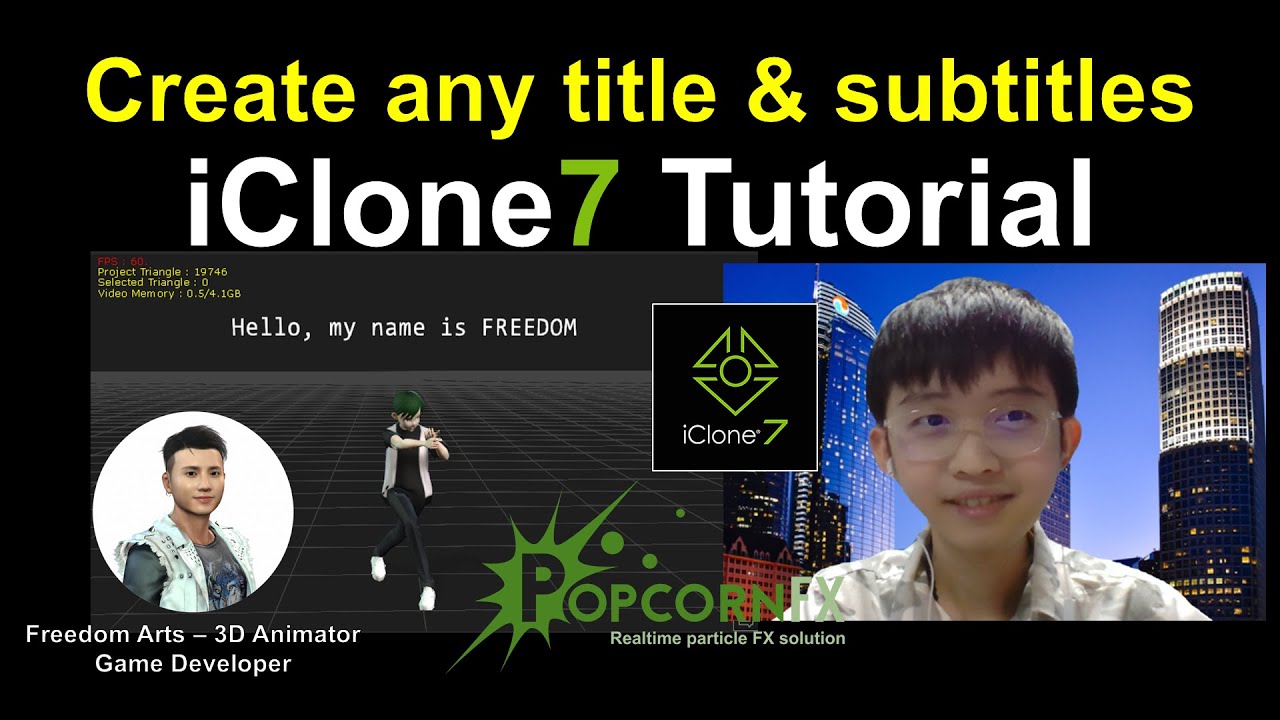
iClone – How to Create Subtitle and Title – iClone Tutorial

Hey guys, this is the step-by-step tutorial on how to create titles and subtitles in iClone 7 3D animation software. Presented by my kid, FREEDOM-02. ENJOY! and have fun! Happy animation!

Get PopcornFX from here:
https://www.reallusion.com/iclone/vfx/popcornfx/

Video title:
Create Subtitle and Title – iClone Tutorial

#iClone
#title
#subtitle
#PopcornFX
#Particle
#Effect
#Tutorial

FREEDOM ARTS – 3D ANIMATION & GAME DEVELOPER
My Youtube Channel with a lot of 3D Animation Life-hack tutorial and FREE 3D models distribution, check this out:
https://www.youtube.com/channel/UCPi437n6fBnO_z0vexNgv_w

=============================
iClone 7
=============================

Get iClone 7 Animation Pipeline | Freedom 3D Arts
https://bit.ly/3ic3Qpq

Get iClone Unreal Live Link | Freedom 3D Arts
https://bit.ly/3pfcULR

Download Free Plugins | Freedom 3D Arts
https://bit.ly/3ij1F3k

=============================
Character Creator 3
=============================

Get Character Creator 3 Pipeline | Freedom 3D Arts
https://bit.ly/3g0Xqa5

Get SkinGen Premium Plug-in for Character Creator | Freedom 3D Arts
https://bit.ly/3g9n3po

Get Headshot Plug-in for Character Creator | Freedom 3D Arts
https://bit.ly/3icvjHQ

=========================================================
Real-time keyboard strokes and mouse click on-screen. 100% step by step. If you follow every steps in this tutorial, it works.

My full tutorial playlist (categorized systematically by types):
https://freedomarts3d.blogspot.com/2020/10/3d-animation-and-game-developer-tutorial.html

My full tutorial playlist (No categorized):
https://www.youtube.com/channel/UCPi437n6fBnO_z0vexNgv_w/playlists?view_as=subscriber

Youtube Channel:
Freedom Arts – 3D Animation and Game Developer
https://www.youtube.com/channel/UCPi437n6fBnO_z0vexNgv_w

If you feel all these tutorials are helpful for you, SUBSCRIBE to my Youtube Channel, turn on the mini “BELL”, select “ALL”, so that when next time I publish a new video tutorial, you will receive the notification immediately.

THANK YOU FOR WATCHING!

Your friend,
FREEDOM

Face any problem? Require any tutorial in 3D animation and Game development? Send me a message, keep in touch. I will try my best to solve the problems.

Send me a MESSAGE (Facebook/Messenger):
https://www.facebook.com/messages/t/108187640914514

My FACEBOOK account:
https://www.facebook.com/Freedom-Arts-3D-animation-108187640914514

Join my Facebook GROUP:
https://www.facebook.com/groups/818222008952458

source

7 responses to “iClone – How to Create Subtitle and Title – iClone Tutorial”

  1. Gül Gülümse Avatar

    Thank you Freedom 🙂 . Please use your normal voice. My head is swollen by the artificial noise 😀

  2. Irshad Ayoob Avatar

    Hi,
    In Props, there is a Raptoid prop. I am trying to collide two Raptoids but physics doesn't work.

    Can you please tell me how to collide them?
    Raptoid1
    Raptoid1

    What physics should I put for each?

  3. Amine Redone Avatar

    Hi freedom, I wanted to download the new year gift that is 2500 hbv animation ready for iclone, but unfortunately you deleted the video, so can you please share the link to it please.

  4. IcloneFun Avatar

    Thanks Freedom! and I sure love popcornfx! I have used it many times last couple years. And dont forget if you go to popcornfx.com you can use the editor version 1 (must be version 1 version 2 does not work with Iclones popcornfx import) and you can make your own popcornfx effects. They import right in to the popcornfx import pulldown) I have made many of my own popcornfx effects using the free version 1 editor at popcornfx.com.

Leave a Reply

🧰 Recommended 3D Tools

💡 Tools I use in my workflow

Blender
The Core of all 3D Workflows

🎬iClone 3D Animation Software
Fast real-time animation

🎨Reallusion Character Creator
Create ready-to-use characters

🌳 iClone Tree Generator
Rigged FBX template for iClone, create animated trees from any PNG

🤖 AI Image → 3D Tools

Meshy AI
Turn images into 3D instantly

Tripo AI
Powerful AI 3D generator

SAM 3D
Another AI 3D tool

🌍 3D World Tools

Google Street View Download 360
Get real-world HDRI

Google Earth 3D Exporter
Extract real 3D maps

🔥 My Tool (Best for UE5)

Freedom Sky Light Plugin for UE5.7
Instant HDRI lighting in Unreal

Freedom Animation Pipeline 9.1 (UE5.7)
Any 3D → Unreal Engine (fast workflow)

🎨3D Character Creator

Character Creator (Reallusion)
Pro-level characters

Makehuman
Free open-source human creator

Vroid Studio
Anime-style character creation

Mixamo
Auto rig & animation setup

Fuse (Character Creator)
Simple human character creation