





• Search Keywords

  • Tutorial Type


  • Software


  • 3D Skill


🚀 Speed Up Your 3D Workflow

💡 Used in my tutorials
💡 Tools I personally use

Stop wasting time switching tools.
Use the exact tools from my tutorials.

Freedom Animation Pipeline 9.1 (UE5.7)
Fastest way: Any 3D → Unreal Engine
Get the Plugin

Character Creator 5 (CC5)
Create pro-level characters in minutes
Download / Buy

iClone 8 Animation Software
Real-time animation made easy
Download / Buy

Meshy AI (Image → 3D)
Turn any image into a 3D model instantly
Try Now!

Tripo AI (Image → 3D)
Powerful AI 3D generator
Try Now!

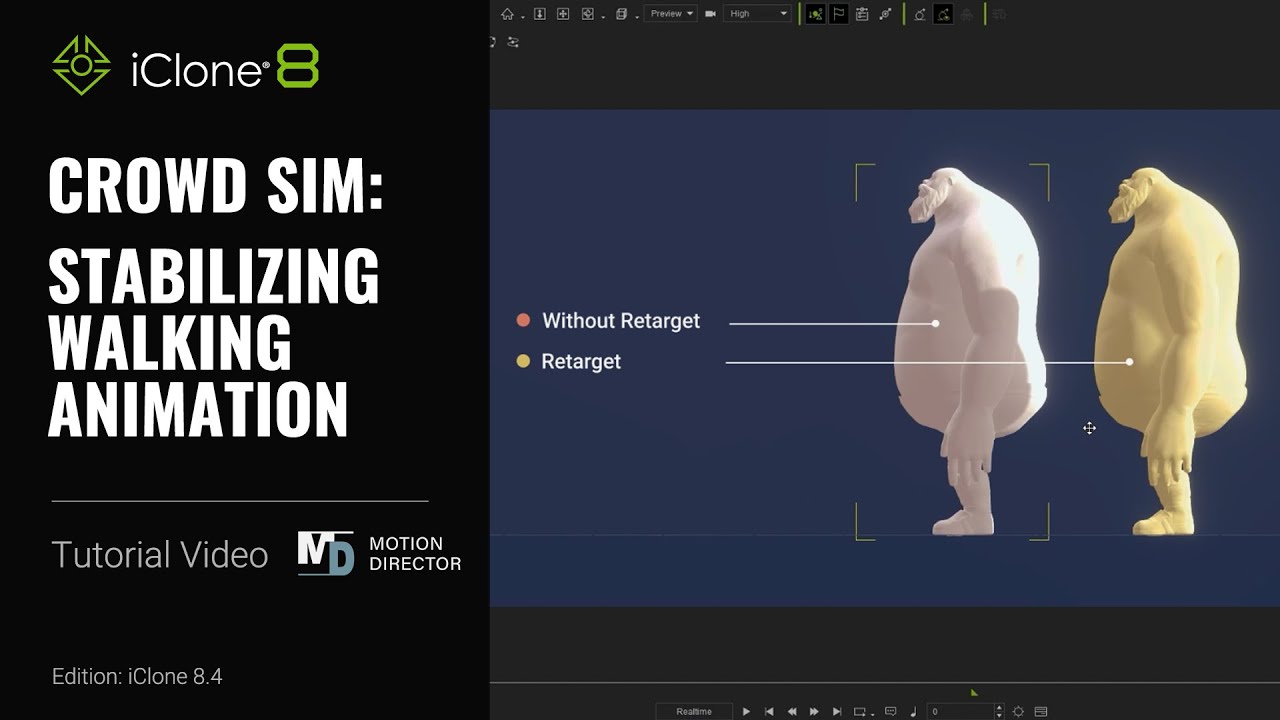
Crowd Sim: Stabilizing Walking Animation | iClone 8 Tutorial


https://www.reallusion.com/iclone/crowd-sim/default.html With the new and improved Motion Director system, there are a number of different ways that you can optimize walking performance as well as stabilize foot placement on different terrain types such as stairs, ramps, and jagged surfaces. In this tutorial, we’ll look at a couple of ways that you can automatically assign proper iMDs for best foot performance, as well as some manual options.

00:00 Intro
00:35 Actor & iMD Auto-match
01:31 Manual Retargeting
02:13 Creating iMD Cache
03:10 Lock Feet
04:16 Snap to Surface & Plant Feet

*Note: Assets shown in this tutorial serve only as reference material.

==================================================

iClone is the fastest real-time 3D animation software in the industry. Integrated with groundbreaking real-time technologies, iClone simplifies the world of 3D Animation in a user-friendly production environment that blends character animation, scene design, and cinematic storytelling; quickly turning imagination into a reality.
https://www.reallusion.com/iclone/default.html

#iClone #3danimation #crowdsim

source

One response to “Crowd Sim: Stabilizing Walking Animation | iClone 8 Tutorial”

  1. @mancumbus Avatar

    Hello guys but is it possible export characters from maya and use them in crowd simuliation? Also do you have demo for test, or trial?

Leave a Reply

🧰 Recommended 3D Tools

💡 Tools I use in my workflow

Blender
The Core of all 3D Workflows

🎬iClone 3D Animation Software
Fast real-time animation

🎨Reallusion Character Creator
Create ready-to-use characters

🌳 iClone Tree Generator
Rigged FBX template for iClone, create animated trees from any PNG

🤖 AI Image → 3D Tools

Meshy AI
Turn images into 3D instantly

Tripo AI
Powerful AI 3D generator

SAM 3D
Another AI 3D tool

🌍 3D World Tools

Google Street View Download 360
Get real-world HDRI

Google Earth 3D Exporter
Extract real 3D maps

🔥 My Tool (Best for UE5)

Freedom Sky Light Plugin for UE5.7
Instant HDRI lighting in Unreal

Freedom Animation Pipeline 9.1 (UE5.7)
Any 3D → Unreal Engine (fast workflow)

🎨3D Character Creator

Character Creator (Reallusion)
Pro-level characters

Makehuman
Free open-source human creator

Vroid Studio
Anime-style character creation

Mixamo
Auto rig & animation setup

Fuse (Character Creator)
Simple human character creation