





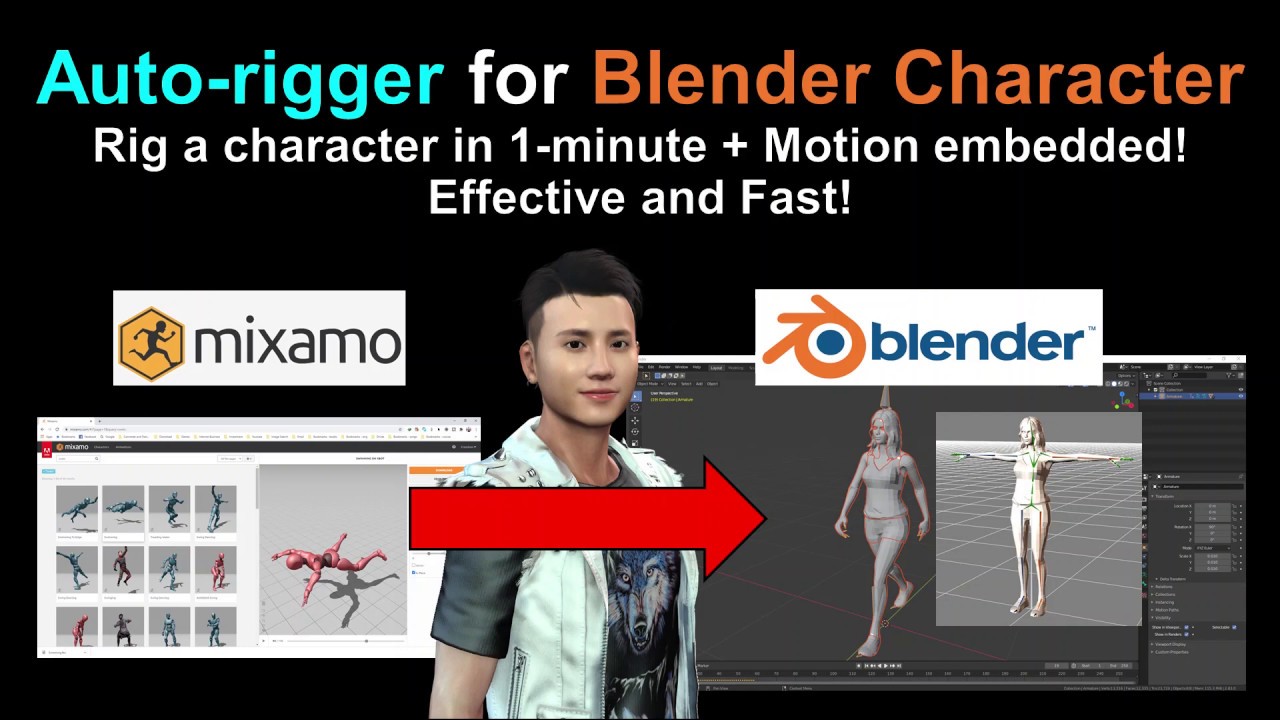
Real-time keyboard strokes and mouse click on-screen. 100% step by step. If you follow every steps in this tutorial, it works.
Blender Tutorial: Auto-rig and embed motions from Mixamo in 1-minute
Mixamo:
https://www.mixamo.com/#/
Download Blender for FREE:
https://www.blender.org/download/
If you love my video, click Subscribe at the bottom, and click the mini BELL, select all, to receive notification for every time I post a video. I will keep on posting more and more special tutorial for you.
THANK YOU FOR WATCHING!
Your friend,
FREEDOM.
Face any problem? Require any tutorial in 3D animation? Send me a message. Keep in touch. Try my best to help you solve the problems.
My FACEBOOK account:
https://www.facebook.com/Freedom-Arts-3D-animation-108187640914514/?modal=admin_todo_tour
#Mixamo
#Blender
#rigging
#motion
Real-time keyboard strokes and mouse click on-screen. 100% step by step. If you follow every steps in this tutorial, it works.
My full tutorial playlist (categorized systematically by types):
https://freedomarts3d.blogspot.com/2020/10/3d-animation-and-game-developer-tutorial.html
My full tutorial playlist (No categorized):
https://www.youtube.com/channel/UCPi437n6fBnO_z0vexNgv_w/playlists?view_as=subscriber
Youtube Channel:
Freedom Arts – 3D Animation and Game Developer
https://www.youtube.com/channel/UCPi437n6fBnO_z0vexNgv_w
If you feel all these tutorials are helpful for you, SUBSCRIBE to my Youtube Channel, turn on the mini “BELL”, select “ALL”, so that when next time I publish a new video tutorial, you will receive the notification immediately.
THANK YOU FOR WATCHING!
Your friend,
FREEDOM
Face any problem? Require any tutorial in 3D animation and Game development? Send me a message, keep in touch. I will try my best to solve the problems.
Send me a MESSAGE (Facebook/Messenger):
https://www.facebook.com/messages/t/108187640914514
My FACEBOOK account:
https://www.facebook.com/Freedom-Arts-3D-animation-108187640914514
Join my Facebook GROUP:
https://www.facebook.com/groups/818222008952458


Leave a Reply
You must be logged in to post a comment.