






Introduction
3D animation and game development are fields that are continually evolving, with new software and plugins being released all the time. One such groundbreaking tool is the Makehuman MPFB Addon for Blender 3.6. This remarkable open-source plugin allows users to create a limitless array of 3D humanoid avatars. This article serves as a comprehensive guide for installing Makehuman MPFB and generating a fully customized 3D avatar.
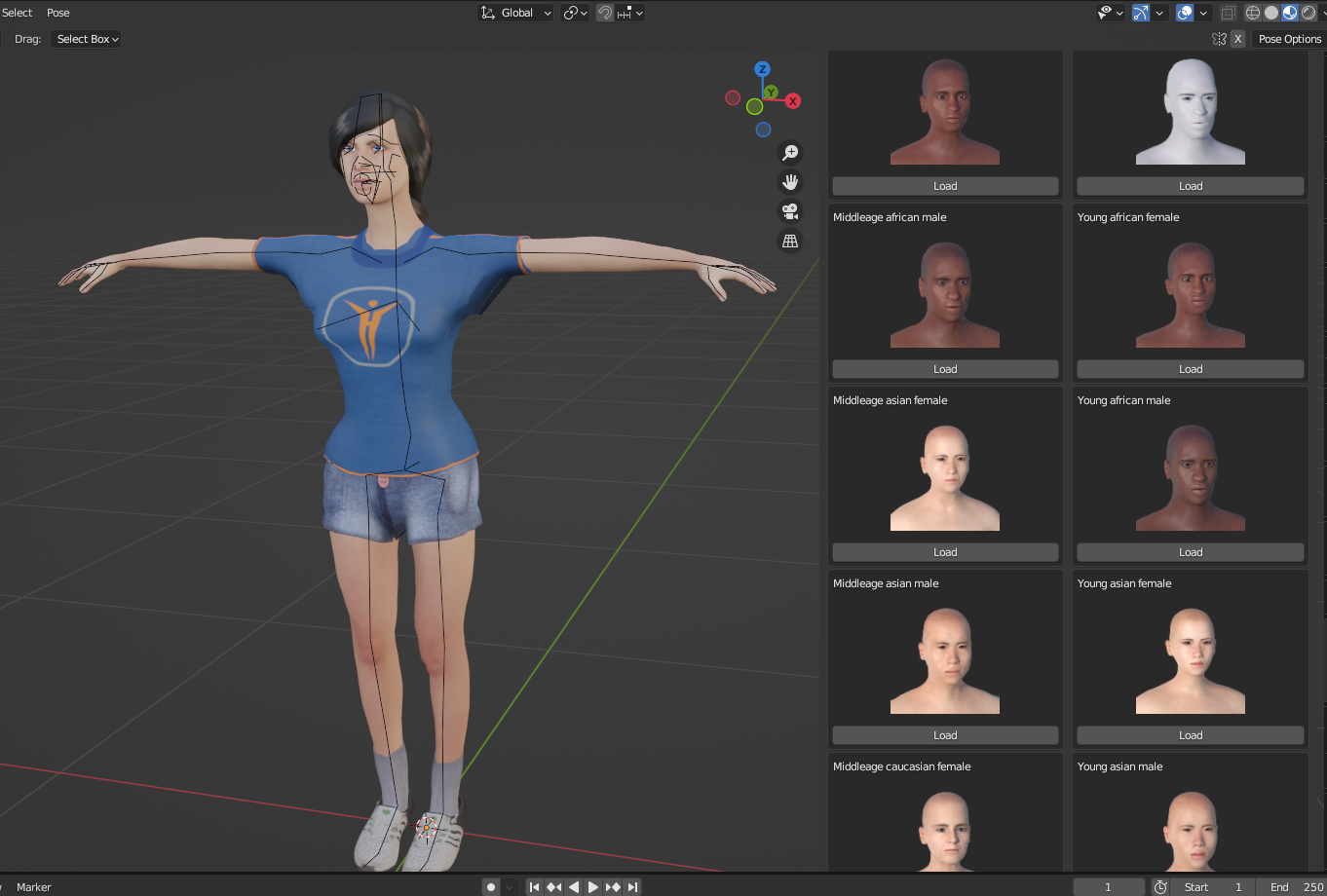
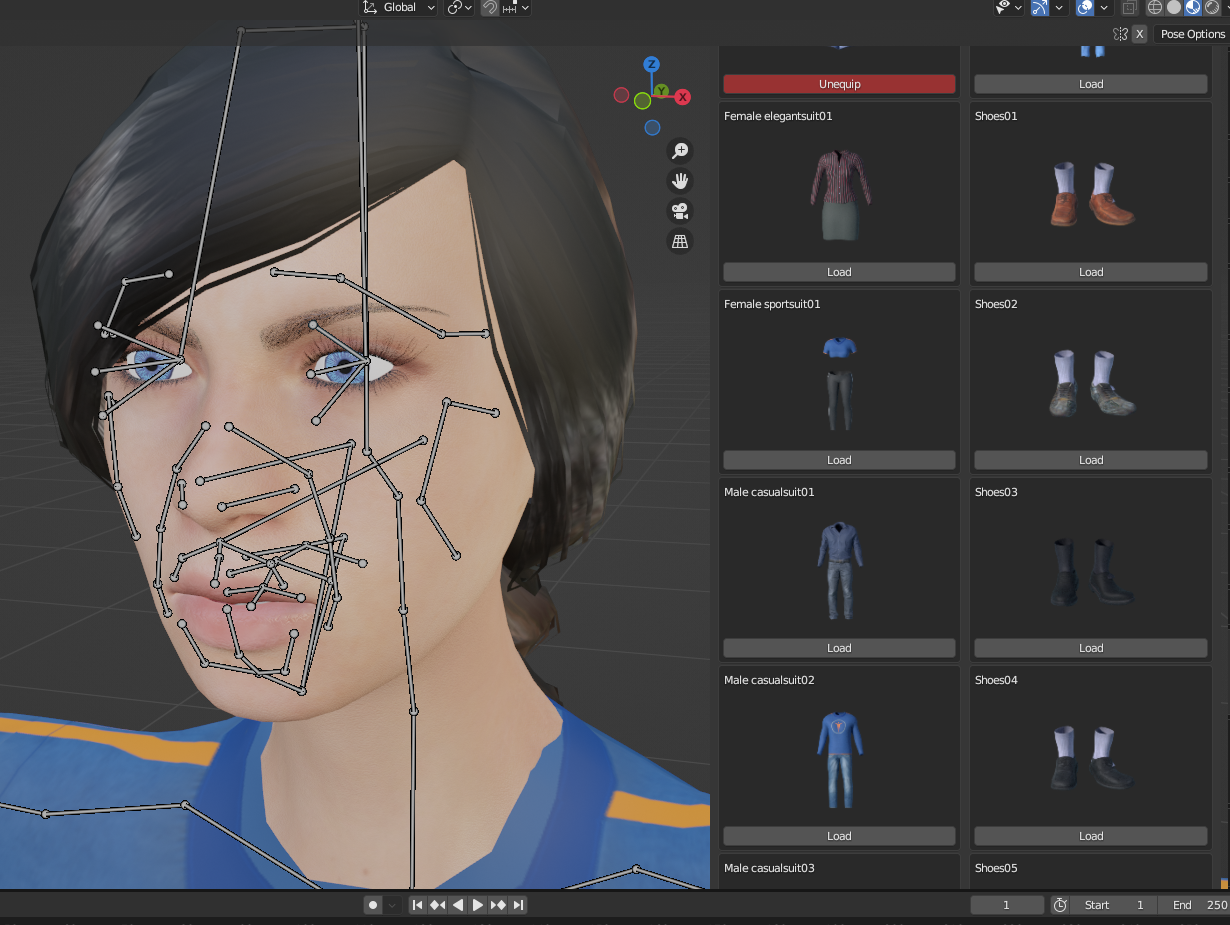
📽️ [Watch the Tutorial Video Here]
What Will You Learn?
- Installing Makehuman MPFB Addon in Blender 3.6
- Generating a 3D avatar with full rigs and Rigify
- Customizing your 3D avatar’s body, hairstyle, and clothing
Installation Guide
- Downloading the Plugin:
Firstly, download the Makehuman MPFB Addon from this link. - Installing in Blender:
Open Blender 3.6 and navigate to theEdit>Preferences>Add-onstab to install the downloaded plugin.
Avatar Generation and Customization
- Body Customization:
Once the plugin is installed, you can customize the body shape, size, and ethnicity of your 3D avatar. - Hairstyle and Clothing:
The plugin also lets you choose from a variety of hairstyles and clothing options to make your avatar as realistic as possible. - Rigs and Rigify:
Makehuman MPFB Addon comes equipped with full rigs and Rigify rigs, making it easier to animate your character in Blender.
Additional Resources
Contact Us
- 📧 Email: [email protected]
- 📩 Facebook Message: Send a message
- 🌐 Facebook Group: Join our Facebook group
Support Us
- 🎁 Donate on Gumroad: Support Freedom 3D Art
- 💖 Donate on Patreon: Become a Patron
Leave a Reply
You must be logged in to post a comment.