





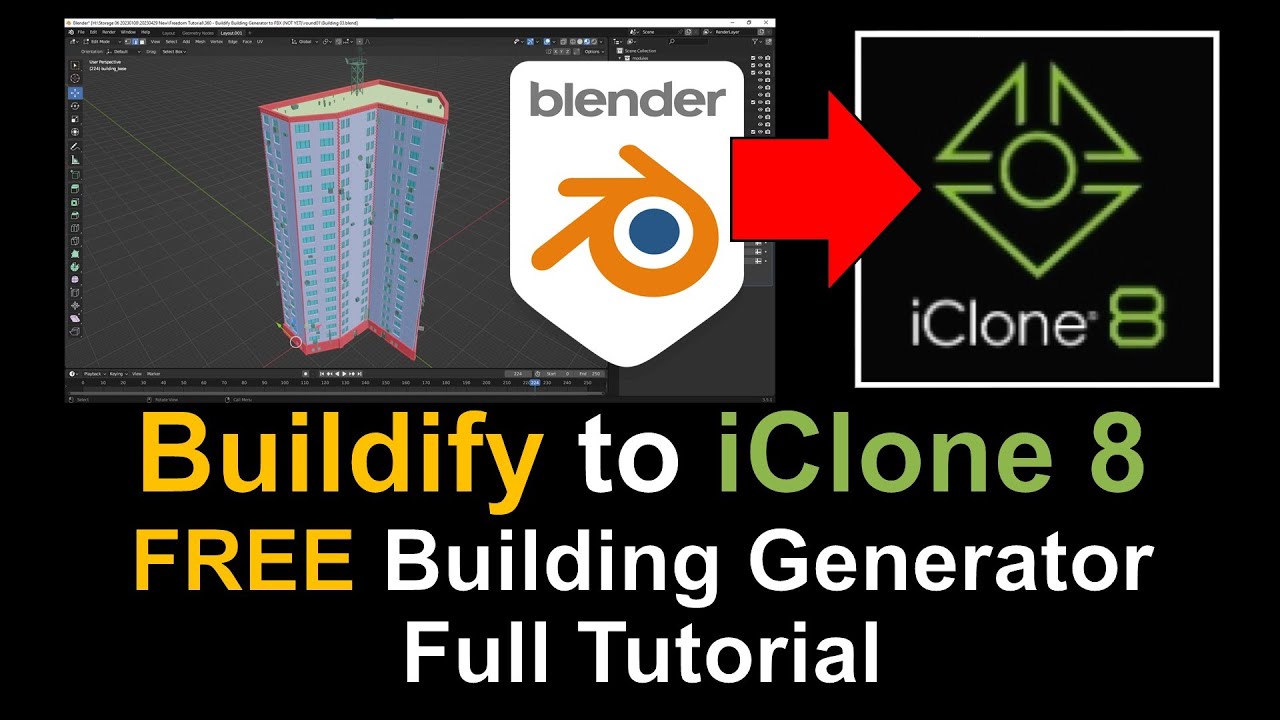
Video Title:
Buildify to iClone 8 Tutorial: Streamline 3D Building Creation and Animation Workflow
Video Description:
Welcome to my tutorial on using Buildify in conjunction with iClone 8, a powerful 3D animation software! In this comprehensive guide, you’ll learn how to seamlessly integrate Buildify into your iClone workflow, allowing you to create and animate stunning buildings with ease.
Join me as we explore the intuitive features of Buildify, a geometry nodes library for Blender, and discover how it can revolutionize your 3D building creation process. We’ll then dive into the seamless workflow between Buildify and iClone 8, unlocking a world of possibilities for architectural visualization, game development, and animated storytelling.
Get Buildify for Blender
https://paveloliva.gumroad.com/l/buildify
Get iClone 8
https://bit.ly/3mLztLb
Get Character Creator 4
https://bit.ly/41tfvEp
Get all iClone 8 & Character Creator 4 software, content, and plugins from here:
https://freedom3d.art/2023/05/18/get-download-all-iclone-8-and-character-creator-4-software-plugin-contents-official-link/
Topics Covered:
Introduction to Buildify and its benefits for 3D building creation
Exploring the workflow between Buildify and iClone 8
Importing Buildify-created buildings into iClone 8
Applying materials, textures, and lighting in iClone 8
Animating your buildings using iClone’s powerful animation tools
Tips and tricks for optimizing your workflow and achieving stunning results
Whether you’re a beginner or an experienced 3D artist, this tutorial will provide you with valuable insights into leveraging Buildify and iClone 8 together. Enhance your 3D building creation and animation skills, and take your projects to new heights of realism and creativity.
Unlock the synergy between Buildify and iClone 8 and elevate your 3D building and animation workflow to the next level!
Happy 3D Modeling, Animation, and iClone Exploration!
Leave a Reply
You must be logged in to post a comment.