





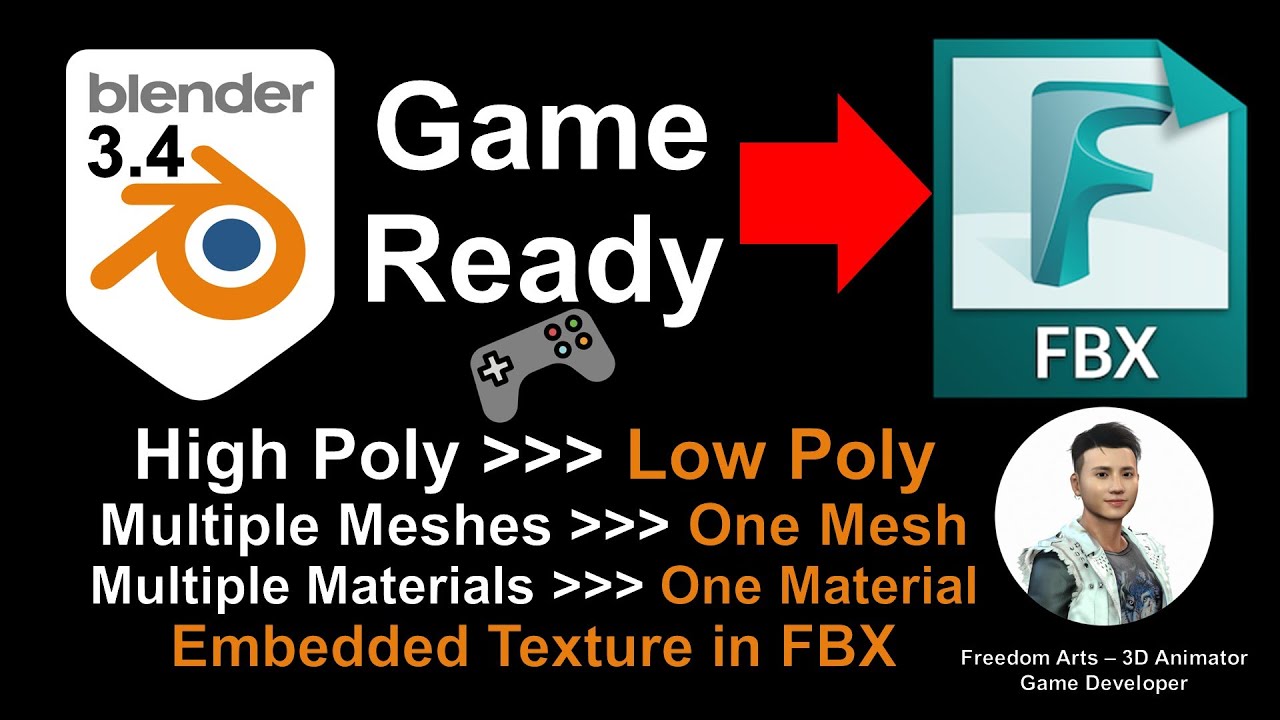
How to make your 3D from Blender as Game Ready (low poly, single mesh and single material). Complex 3D models with multiple meshes converted as single mesh. Complex 3D models with Multiple Materials converted as a single Material Texture! High poly 3D model converted as low poly 3D Model! This is my step-by-step tutorial on how to do these. Blender is a FREE open source 3D modeling software which you can unlock your creativities of 3D modeling, and create unlimited game ready 3D asset for your game engine like Unreal Engine, Unity etc! ENJOY! and have fun! Happy 3D Modeling, 3D Animation and 3D Game Developing! ENJOY!
Get Blender and install Blender in your computer:
https://www.blender.org/download/
Get Simplygon installer
https://www.simplygon.com/downloads
TUTORIAL SUMMARY
install blender
install simplygon
fill in simplygon licence application
activate simplygon grid agent
open blender
activate simplygon plugin
Aggregation (combine multiple meshes to be a single mesh)
Material Baking (combine multiple material textures to be a single material texture)
Reduction (high poly to low poly)
export FBX with texture embedded
#Blender
#GameReady
#FBX
#EmbedTexture
#LowPoly
#HighPoly
#CombineMesh
#BakeMaterial
#MaterialBaking
#Simplygon
#Aggregation
#3DModeling
#3DAnimation
#GameDev
Blender 3.4 Game Ready Export – Low Poly – Sigle Mesh – Single Material – Tutorial – 3D Modeling
=========================================
My 3D Animation and Game Developing full tutorial playlist (categorized systematically by types):
https://freedomarts3d.blogspot.com/2020/10/3d-animation-and-game-developer-tutorial.html
My 3D Animation and Game Developing full tutorial playlist (No categorized):
https://www.youtube.com/channel/UCPi437n6fBnO_z0vexNgv_w/playlists?view_as=subscriber
Real-time keyboard strokes and mouse click on-screen. 100% step by step. If you follow every steps in this tutorial, it works.
My Youtube Channel:
Freedom Arts – 3D Animation and Game Developer
https://www.youtube.com/channel/UCPi437n6fBnO_z0vexNgv_w
If you feel all these tutorials are helpful for you, SUBSCRIBE to my Youtube Channel, turn on the mini “BELL”, select “ALL”, so that when next time I publish a new video tutorial, you will receive the notification immediately.
THANK YOU FOR WATCHING!
Your friend,
FREEDOM
Face any problem? Require any tutorial in 3D animation and Game development? Send me a message, keep in touch. I will try my best to solve the problems.
Send me a MESSAGE (Facebook/Messenger):
https://www.facebook.com/messages/t/108187640914514
My FACEBOOK account:
https://www.facebook.com/Freedom-Arts-3D-animation-108187640914514
Join my Facebook GROUP:
https://www.facebook.com/groups/818222008952458


Leave a Reply
You must be logged in to post a comment.