





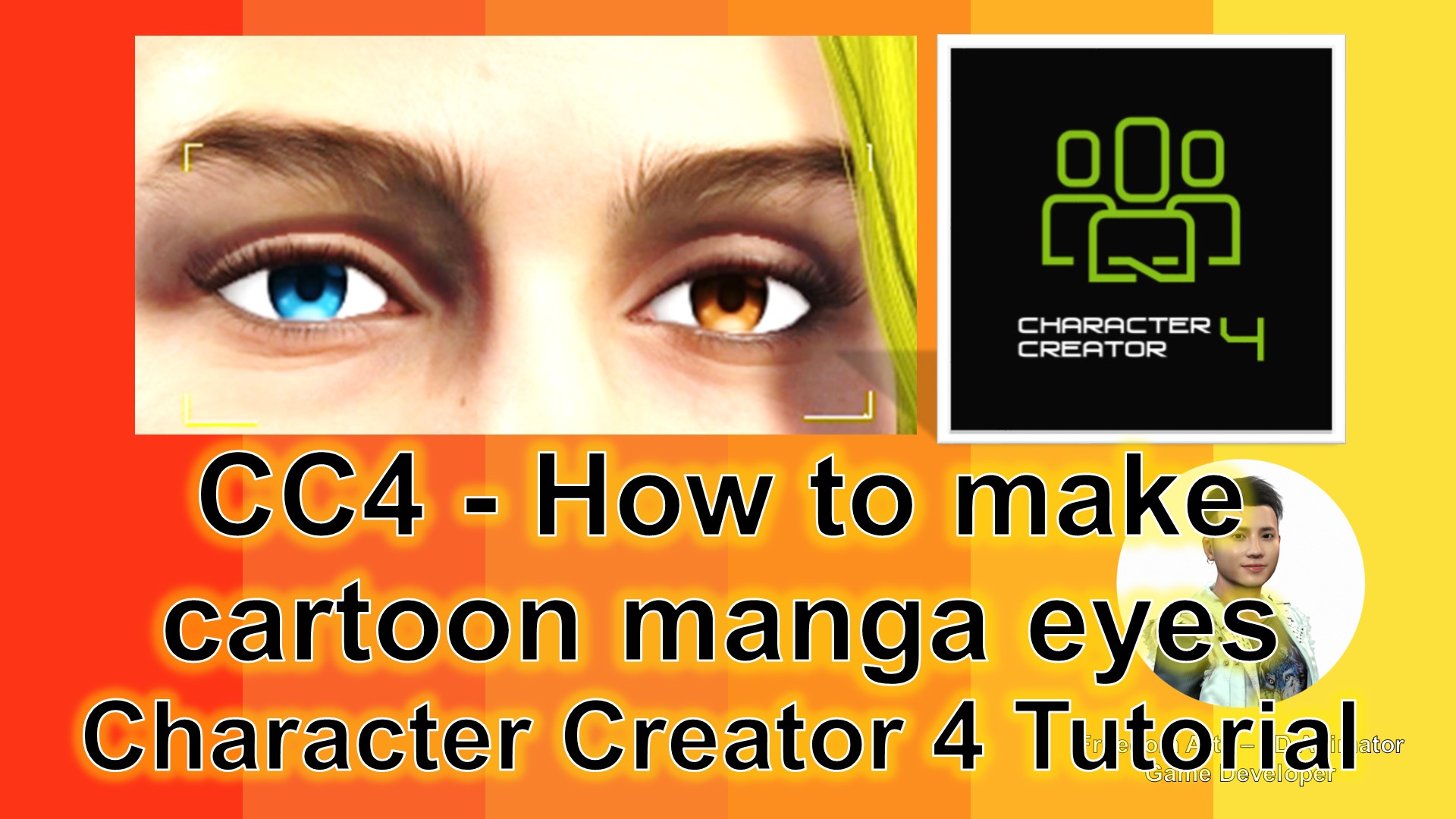
Are you passionate about 3D modeling and animation? Do you want to design stunning characters for your projects? If yes, you’re in for a treat!
In this tutorial, we will walk through the steps to create expressive and vivid cartoon manga eyes from scratch using Character Creator 4 (CC4). Whether you’re an aspiring animator or a seasoned game developer, this guide will give you the skills and knowledge you need to elevate your 3D characters to the next level.
Why Manga Eyes?
Manga eyes are more than just an aesthetic choice. They are known for their capability to convey deep emotions, adding life and soul to your characters. In the world of 3D modeling and animation, this attention to detail is key.
What is Character Creator 4 (CC4)?
Character Creator 4 is a robust tool that enables artists to create realistic and detailed characters. With its intuitive interface and extensive library of assets, CC4 simplifies the 3D character design process, making it accessible for artists of all levels.
Step-by-Step Guide:
Follow the steps in this tutorial video, which breaks down the entire process of creating manga eyes in Character Creator 4.
Materials You’ll Need:
- Character Creator 4: Download it here
- Manga Eyes Texture: Download it here
Conclusion:
Creating cartoon manga eyes from scratch is both rewarding and fun. With Character Creator 4, you are not just designing a character; you are breathing life into a new being. Dive into the world of 3D character creation today and unleash your creativity!
Keywords: 3D modeling, 3D animation, Character Creator 4, CC4, cartoon manga eyes, game development, 3D characters, manga art, character design.
Leave a Reply
You must be logged in to post a comment.