
Title:
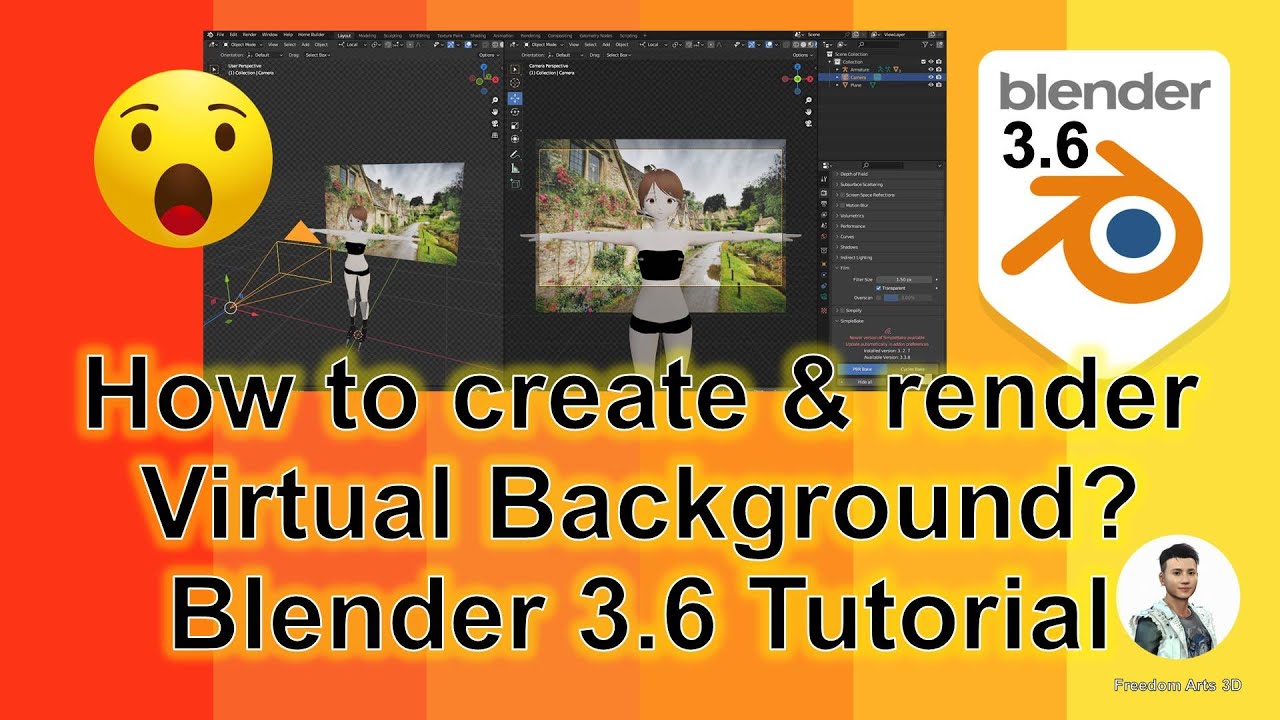
How to create virtual background for animation? Blender 3.6 Tutorial
Description:
Hey guys, how to create a virtual background for your Blender 3.6 3D animation, just by using a JPG/PNG picture? This is my step-by-step tutorial on how to do this! ENJOY! and have fun! Happy 3D Modeling, 3D Animation + 3D Game Dev! ENJOY!
DOWNLOAD Blender
https://bit.ly/DownloadBlenderFreedomArts
DOWNLOAD iClone 8
https://bit.ly/3mLztLb
DOWNLOAD Character Creator 4
https://bit.ly/41tfvEp
DOWNLOAD Unreal Engine 5
https://bit.ly/UnrealEngine5FreedomArts
DOWNLOAD all iClone 8 and Character Creator 4 Software + Plugin + Contents
https://bit.ly/IC8CC4
DOWNLOAD all 3D Software:
https://freedom3d.art/download-all-3d-software/
VISIT MY WEBSITE TO GET MORE 3D RESOURCES:
https://freedom3d.art/
FREEDOM ARTS 3D: 3D MODELING, 3D ANIMATION, 3D GAME DEV TUTORIALS, 3D CONTENTS, 3D MODELS COLLECTION!
SUBSCRIBE MY YOUTUBE CHANNEL FOR MORE 3D TUTORIALS & SHARING:
Freedom Arts – 3D Animation & Game Developer
My Youtube Channel URL: https://www.youtube.com/@FreedomArts3D
CONTACT ME:
My email: [email protected]
Send me a Facebook Message: https://www.facebook.com/messages/t/108187640914514
Join my Facebook group: https://www.facebook.com/groups/818222008952458
SUPPORT MY 3D CONTENTS & TUTORIALS SHARING:
Donate through Gumroad
https://freedomarts3d.gumroad.com/l/donate
Donate through Patreon
https://www.patreon.com/freedom3Dart
#Blender
#VirtualBackground
#Animation
#Tutorial
#3DModeling
#3DAnimation
#HowTo
#FreedomArts
Blender,
Virtual Background,
Animation,
Tutorial,
3D Modeling,
3D Animation,
How To,
Freedom Arts,
source
Leave a Reply
You must be logged in to post a comment.