





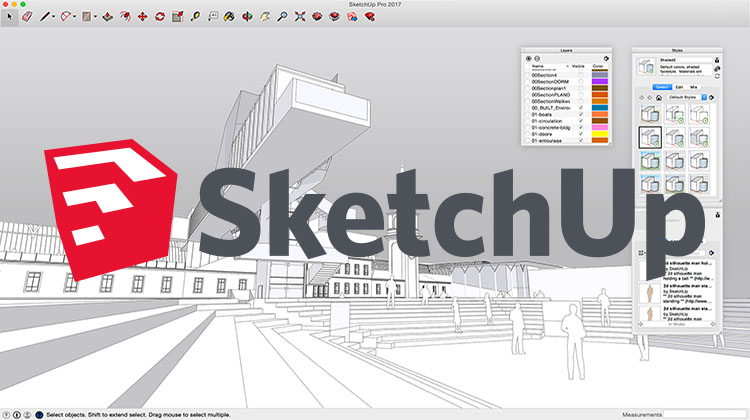
SketchUp Pro is a professional 3D modeling software developed by Trimble Inc. It is widely used in architecture, interior design, landscape architecture, civil and mechanical engineering, film and video game design, and other related fields. SketchUp Pro allows users to create, modify, and share 3D models easily and efficiently.
Some key features of SketchUp Pro include:
- 3D Modeling: SketchUp Pro provides a user-friendly interface for creating 3D models from scratch or by importing existing designs. It offers a variety of tools and techniques for drawing, extruding, offsetting, and manipulating geometry.
- Extensive Object Library: The software offers an extensive library of pre-built 3D models, materials, textures, and components that users can easily incorporate into their designs.
- Rendering and Visualization: SketchUp Pro includes built-in rendering capabilities and supports plugins that allow users to enhance their models with realistic materials, textures, lighting, and shadows. This helps create visually appealing presentations and walkthroughs.
- Dynamic Components: Users can create dynamic components with customizable attributes, enabling the creation of parametric and interactive models. This feature is useful for creating models that can be modified and adjusted with ease.
- Integration with Other Tools: SketchUp Pro supports interoperability with other software applications such as AutoCAD, Revit, 3ds Max, and more. This allows for seamless collaboration and data exchange between different design platforms.
- LayOut: SketchUp Pro includes LayOut, a powerful tool for creating 2D presentations, drawings, and documentation from the 3D models. It enables users to generate scaled drawings, construction documents, and professional presentations with annotation and dimensioning features.
SketchUp Pro offers both a free version, called SketchUp Free, and a paid version, SketchUp Pro, which provides advanced features, commercial use licenses, and dedicated customer support.
Get SketchUp Pro:
https://www.sketchup.com/try-sketchup
Leave a Reply
You must be logged in to post a comment.